
How to Add Custom Labels to Email Countdown Timers
 By Mehedi Hasan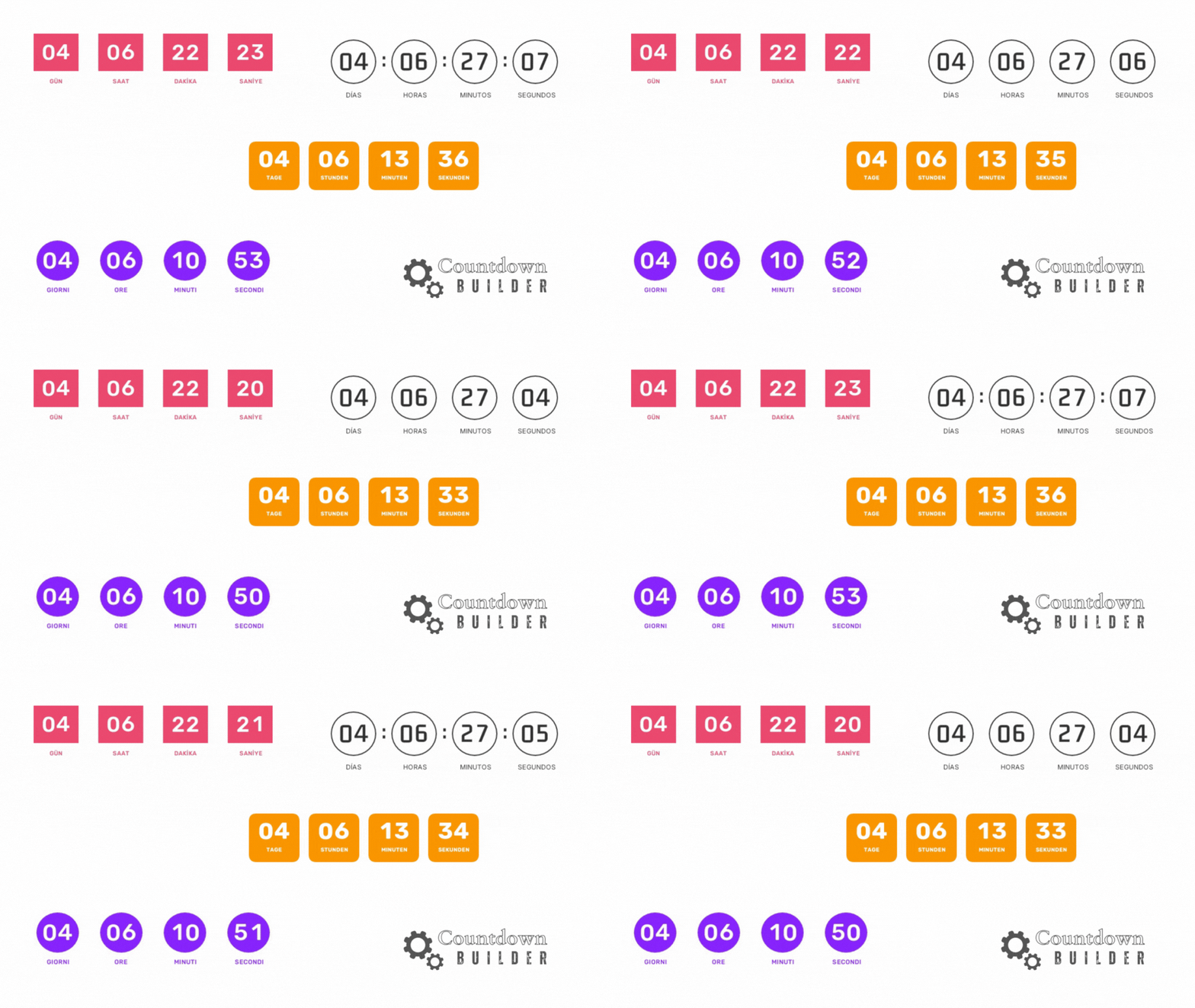
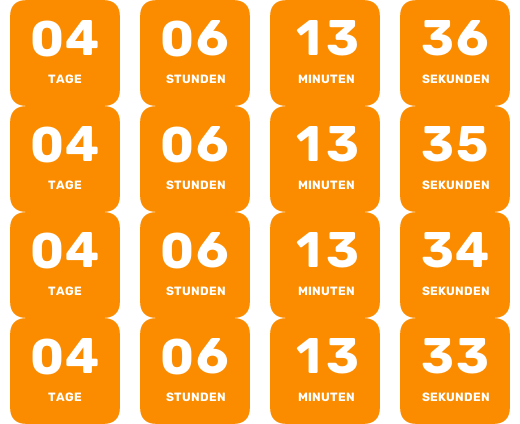
By default, a countdown timer labels its segments "Days," "Hours," "Minutes," and "Seconds." Countdown Builder's custom label feature lets you replace that text — for campaign-specific wording, or to translate the timer for subscribers who read another language.
This guide shows how to turn custom labels on and when they are useful.
When Custom Labels Are Useful
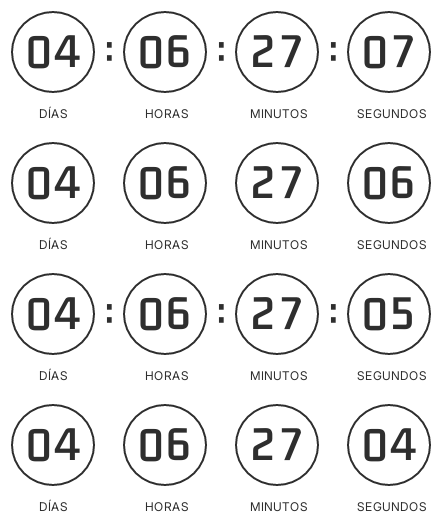
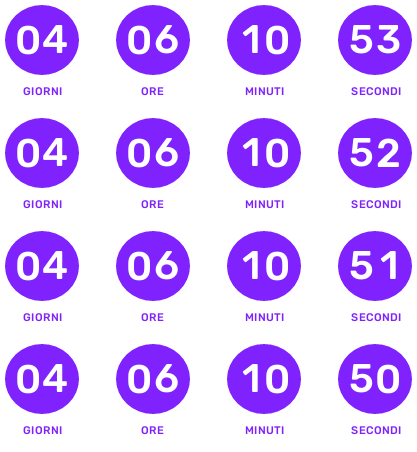
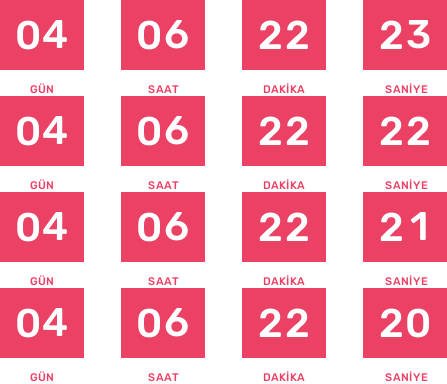
- Localization. The default labels are in English. Custom labels let you display the timer in Spanish, German, Turkish, Italian, or any other language your subscribers read.
- Campaign-specific wording. "Days" can become "Until Launch," or "Hours" can become "Time Left to Save" when the phrasing needs to match the campaign.
- Narrow layouts. Shorter labels can help the timer fit a narrow email column.
A relabeled timer still counts down to the same deadline — the labels change the wording, not the timer's behavior. As with any countdown, the deadline should be real.
How to Add Custom Labels
- Open your dashboard. Log in to Countdown Builder and click "Create" to start a new timer, or edit an existing one. If you don't have an account yet, you can sign up for free.
- Expand Label Options. In the customization panel, scroll down and expand the Label Options section. Switch on "Use Custom Text."
- Enter your text. Input boxes appear for "Day," "Hour," "Minute," and "Second." Type your custom text — keep it short so it fits the segment — then preview the timer, copy the embed code, and paste it into your email template (Mailchimp, Constant Contact, and other ESPs that accept HTML).
No coding is involved; the labels are plain text fields.
Where Custom Labels Fit
Custom labels are part of Countdown Builder's timer customization, alongside 65+ premade templates, fixed-date, evergreen, and dynamic timer types, and adjustable colors, fonts, and styles.
If you'd like to try them, you can create a timer in Countdown Builder. The free plan doesn't require a credit card and doesn't add a watermark to the timer. Questions or feedback can go to [email protected].
Last updated: September 2026. Features described in this article reflect Countdown Builder at the time of updating and can change.
Written by Mehedi Hasan
Writer & Developer. He writes about email marketing, countdown timers, and campaign design.
Connect on LinkedIn