Easy Integration
Copy and paste a single embed code into Mailchimp, Klaviyo, HubSpot, or any platform that supports HTML.

Free plan · No watermark · Any ESP
Design a live email countdown timer, copy the embed code, and paste it into Mailchimp, Klaviyo, HubSpot, or any email platform.
Countdown timer integrations for every email platform you already use
From blank canvas to a ticking timer in under five minutes — creating a sense of urgency your subscribers can act on.
Choose from professional templates, then customize the settings to match your campaign and brand.
Generate the HTML embed code and paste it into your email template, website, or any HTML-friendly platform.
Your subscribers see an accurate countdown clock in real time, and you can track timer opens from your countdown list.
One timer, many jobs — wherever a campaign gets stronger from showing the clock.
Give a limited-window offer a visible clock, so subscribers see exactly how long the discount lives.
Read the guideBuild anticipation ahead of launch day and keep late deciders moving with an end time they can see.
Read the guideHold a saved cart with a timer that expires — the discount and the urgency share one real deadline.
Read the guideBlack Friday, seasonal sales, and shipping cutoffs — deadlines your whole list understands at a glance.
Read the guideNeed personalized urgency? Choose the timer type that matches your campaign — and give every subscriber their own countdown.
Starts the moment each subscriber opens your email. Everyone gets the same window of urgency — perfect for welcome sequences, onboarding, and abandoned-cart automations.
Explore Evergreen timersGive every subscriber their own exact deadline. Pass a unique end time per recipient via merge tag — precise, intentional, and not tied to the open.
Explore Dynamic timersBuild professional timers with templates, real-time updates, flexible styling, and simple HTML embeds.
Copy and paste a single embed code into Mailchimp, Klaviyo, HubSpot, or any platform that supports HTML.
Your timer updates in real time, so every subscriber sees exactly how much time remains when they open your campaign.
Choose from 65+ email timer templates and customize colors, fonts, labels, backgrounds, and expiry states to match your brand.
Drive more engagement with our advanced customization options.
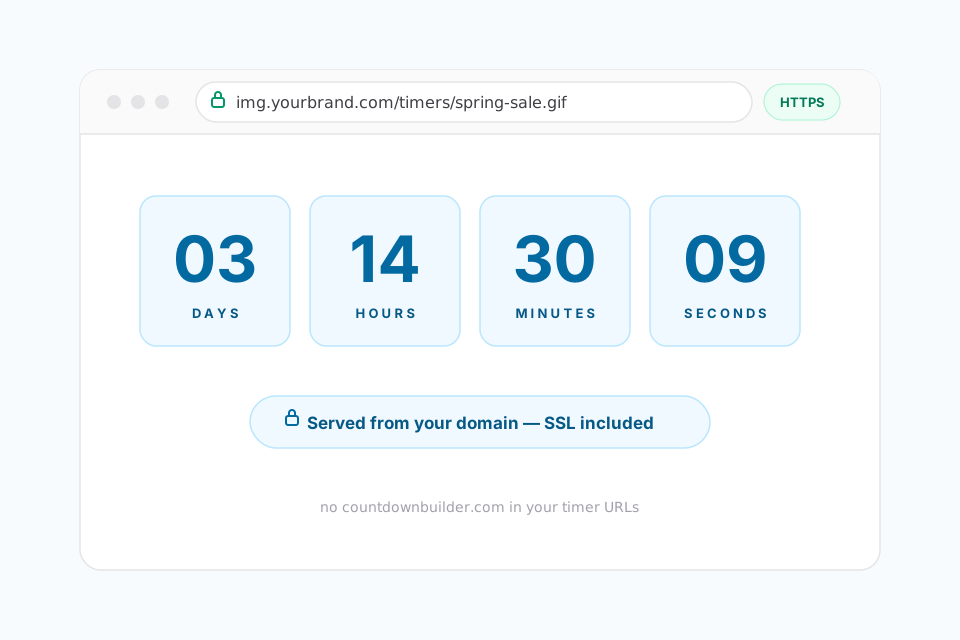
Serve countdown timers from your own domain (e.g. img.yourbrand.com) instead of ours. Timers that match your sender domain build recipient trust, improve inbox deliverability, and keep every pixel of the journey on-brand — with automatic SSL for every connected domain. Included with the Business plan.
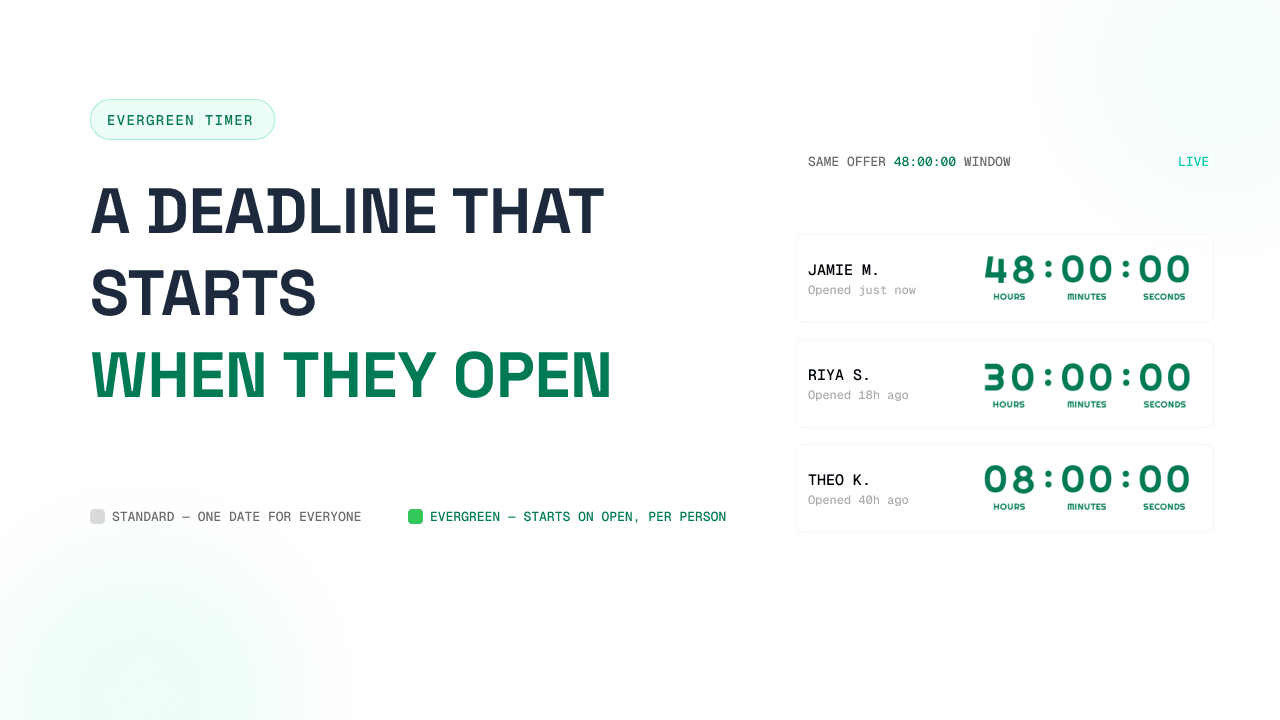
Deploy evergreen countdown timers that dynamically reset based on each subscriber's open time, creating personalized urgency without expiration dates for sustained campaign performance.
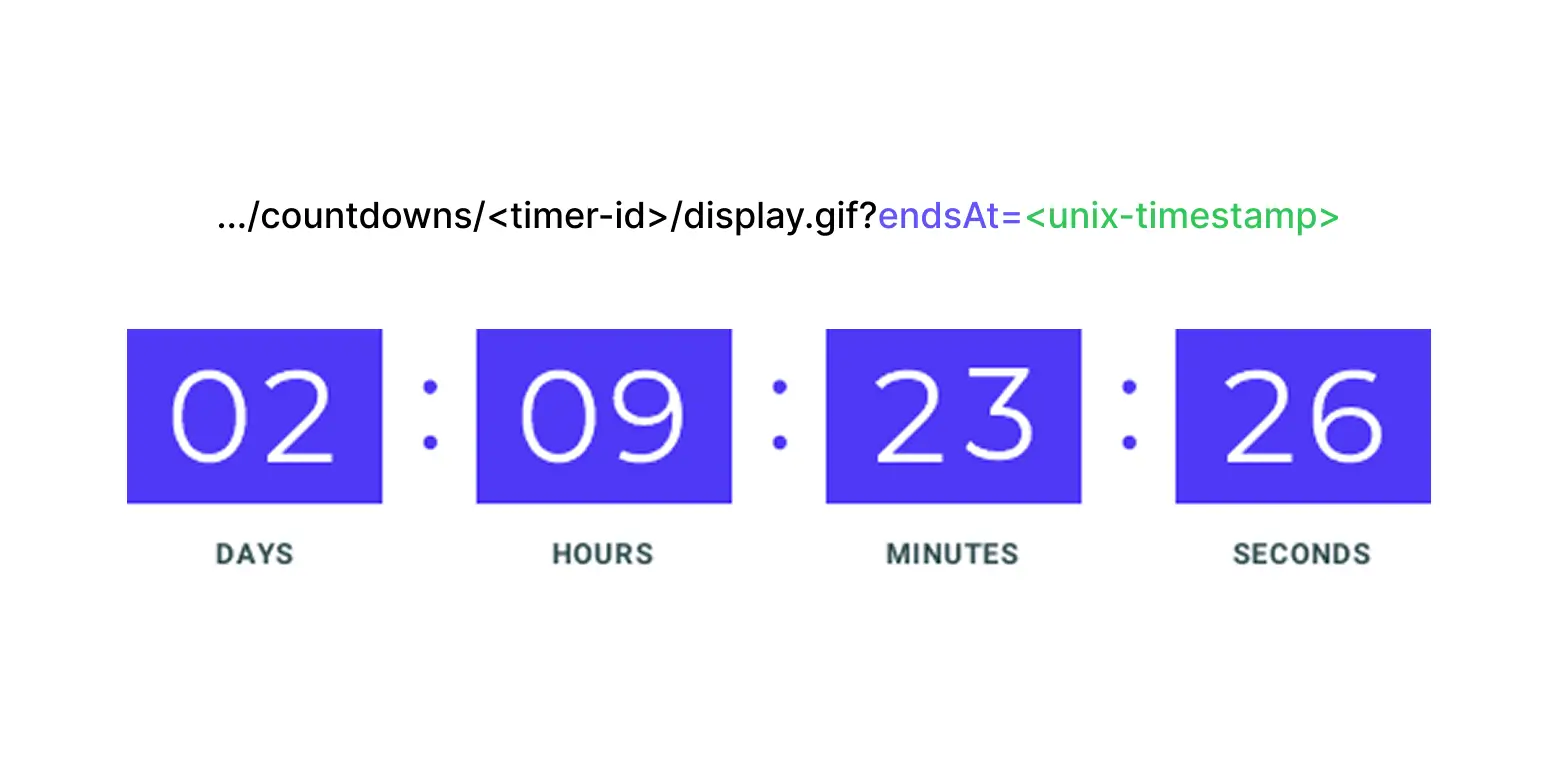
Give every subscriber their own exact deadline. Dynamic timers accept an endsAt timestamp per recipient — pass it via merge tag on the image and click URLs, and each person counts down to their unique moment. If no timestamp is passed, the timer gracefully falls back to your saved default date.
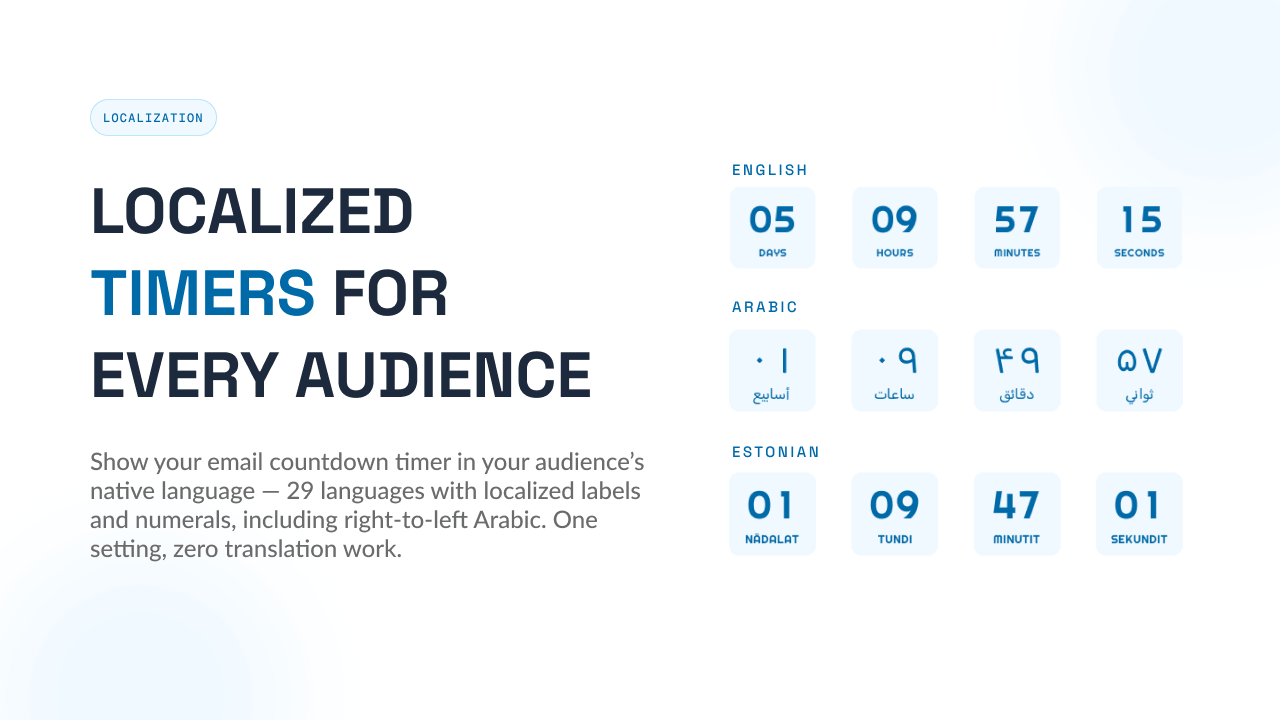
Create countdown timers that feel native to your audience. Countdown Builder supports multiple languages with localized labels and number characters, so your timers match the language and reading style of your users. Need Arabic numerals instead of English? Simply select Arabic in the timer style settings.
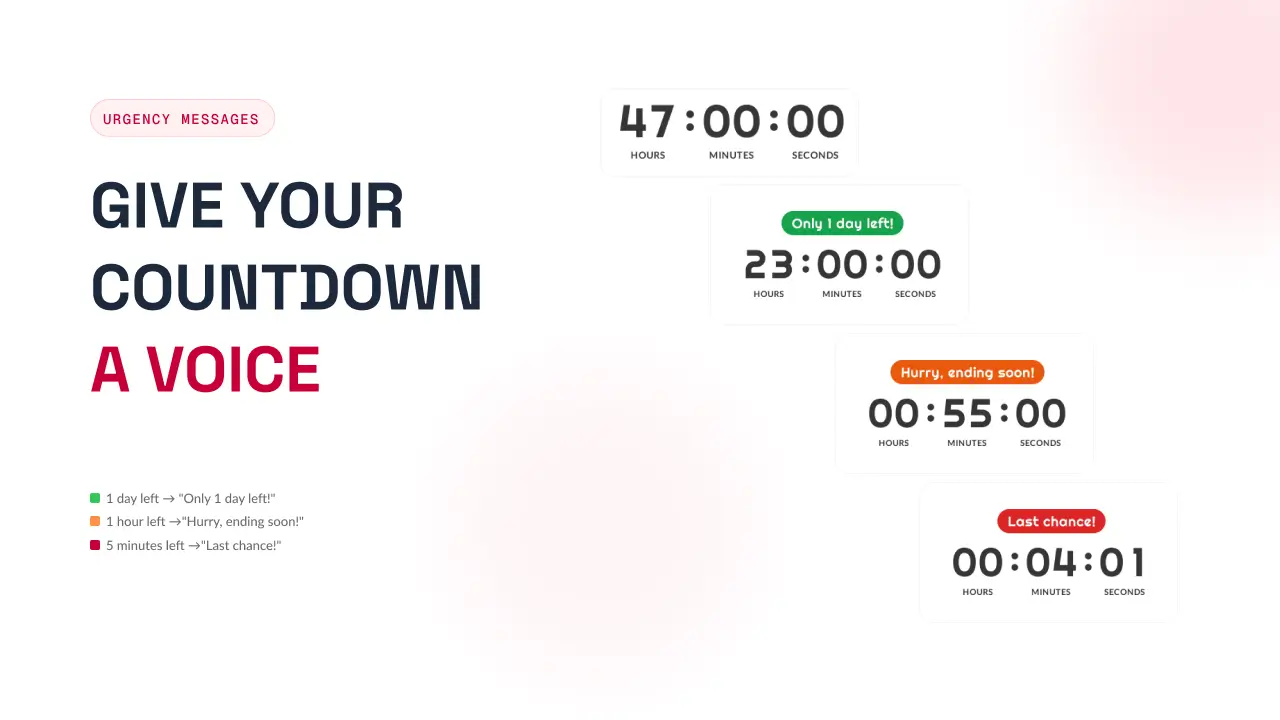
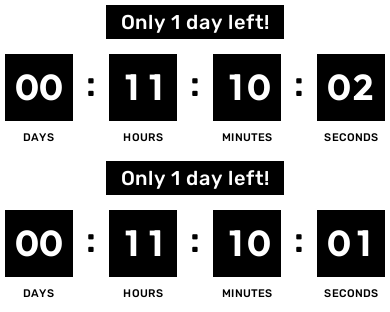
Turn a static countdown into a conversion driver. Add time-triggered messages that activate as time runs out — "Only 1 day left!", "Hurry, ending soon!", "Last chance!" — each with its own color, font, and position above or below your timer. Stack multiple thresholds and the countdown always shows the most relevant one.
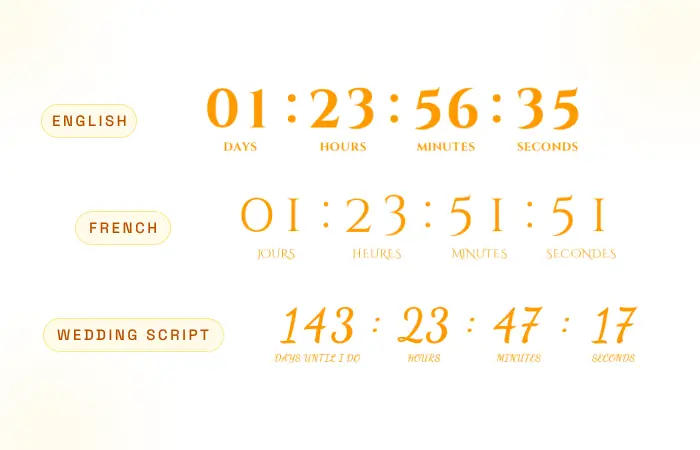
Tailor timer labels (e.g., "Tage", "Stunden", "Minuten", "Sekunden") with your own text in any language, enabling seamless localization and enhanced relevance for international audiences.
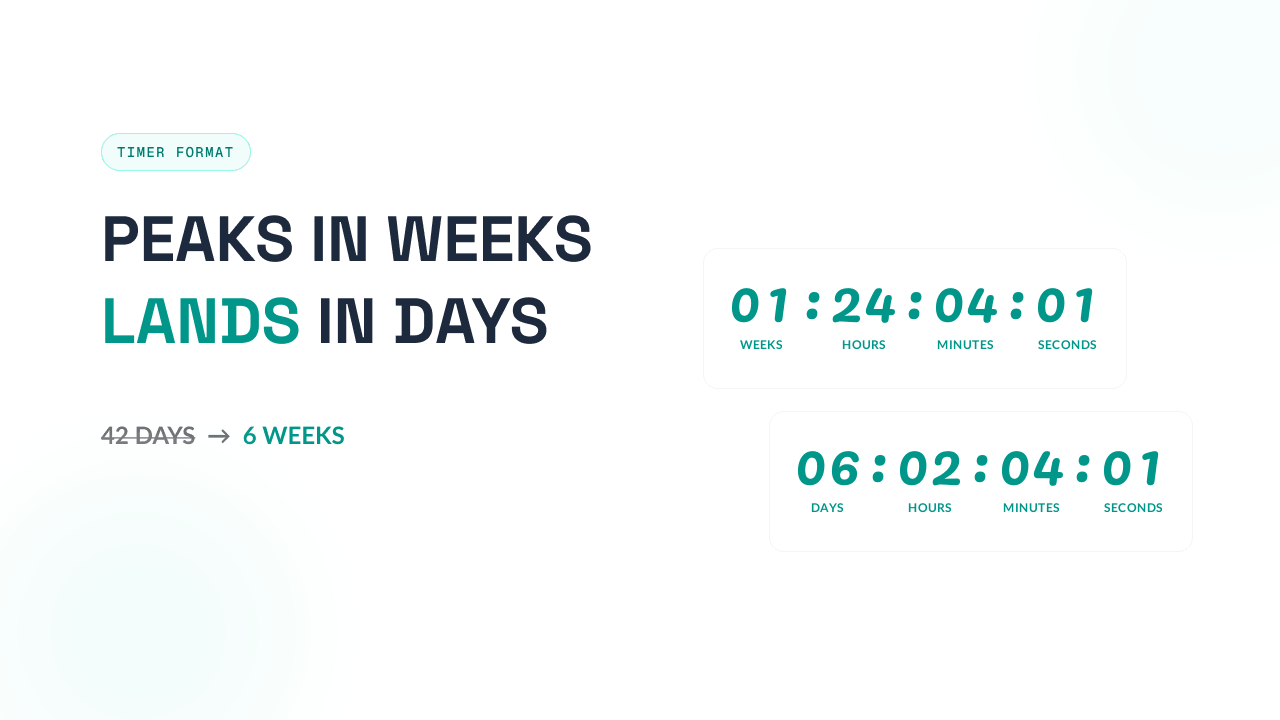
Choose how your countdown counts. Display in days, or switch to weeks for longer countdowns — "6 weeks to go" lands better than "42 days." The weeks format automatically falls back to days once you are under a week, so your audience never sees an awkward "0 weeks."
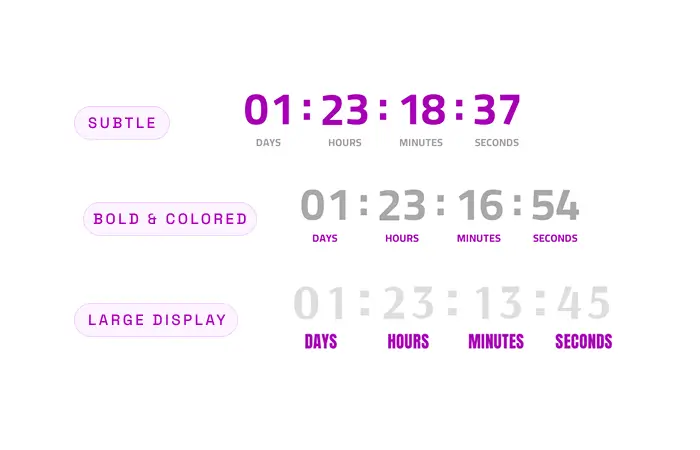
Fully customize the appearance of timer labels (Days, Hours, Minutes, Seconds) with flexible options for color, font type, and size to improve readability and aesthetic appeal.
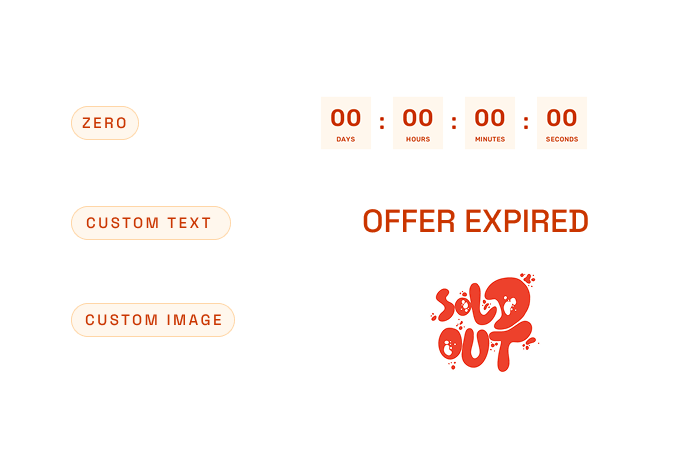
Set a custom expiry state for your countdown timer. Select from a custom image (e.g., "Sold Out" graphic), zero (displays "00:00:00"), or custom text (e.g., "Offer Ended!") as the final frame.
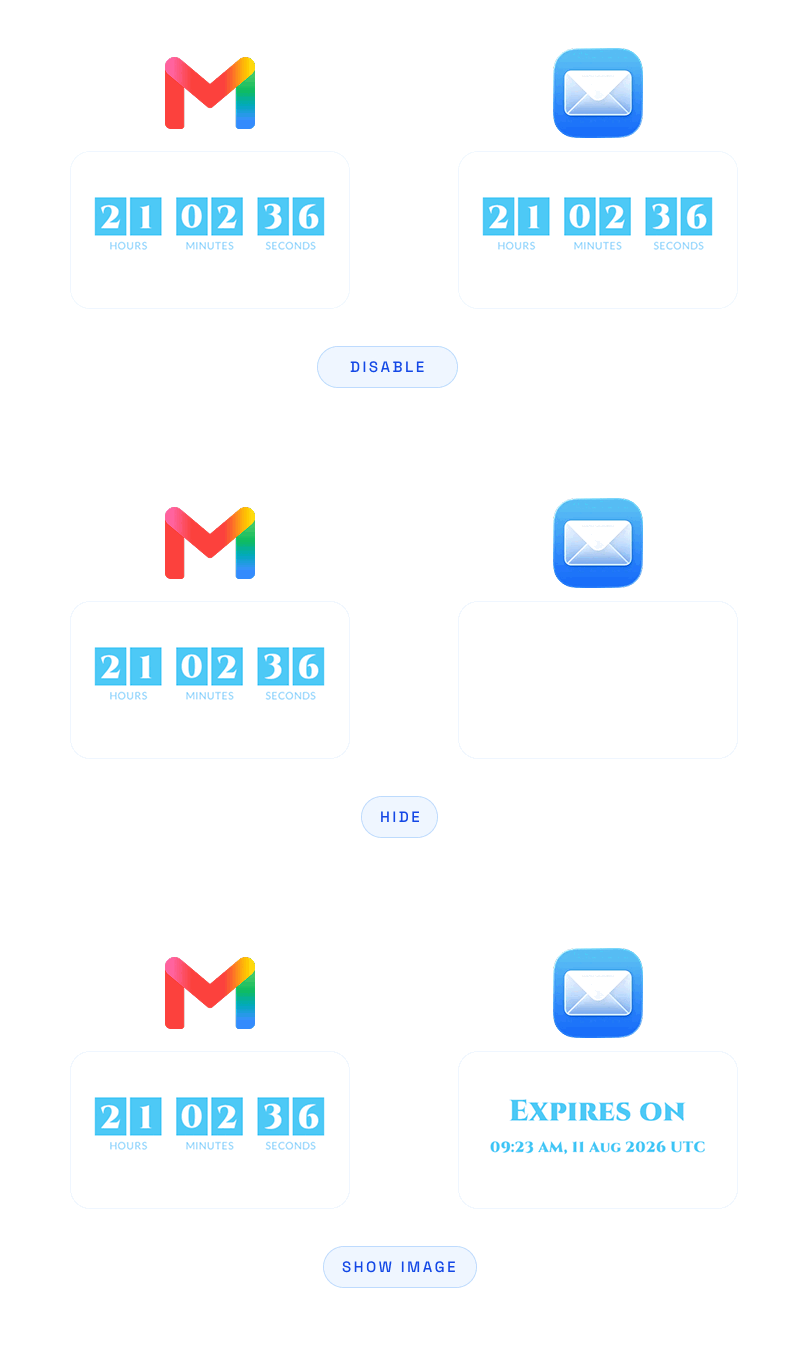
Apple Mail may pre-fetch images before your email is opened, which can affect how tracking and previews behave for these users. Countdown Builder supports Apple Mail Privacy Protection (MPP) with three display options: keep the normal animation, show a static image with your title and end date, or hide the countdown area completely. Fully customizable fonts, colors, and formatting for the static option.
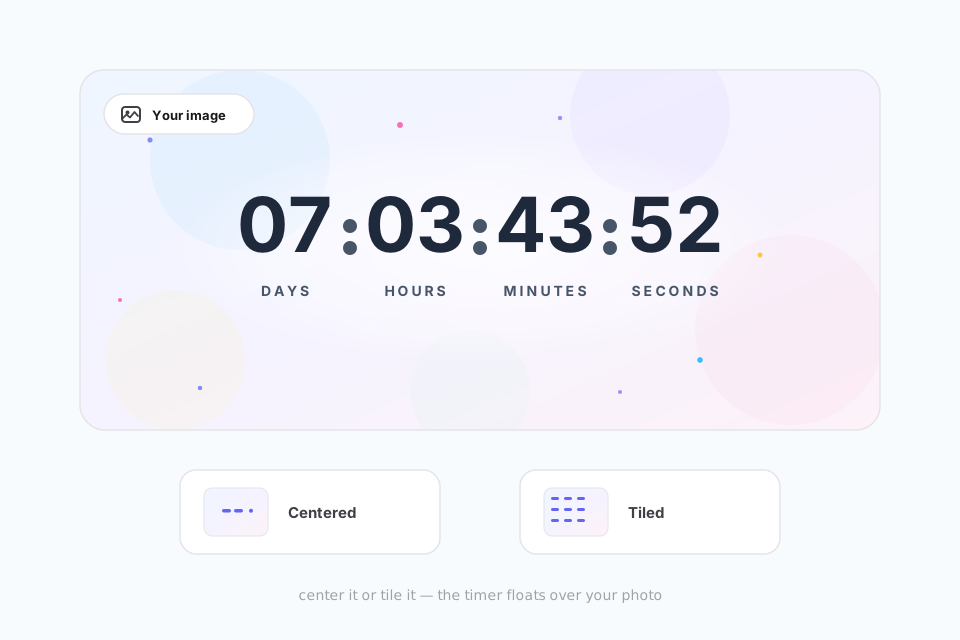
Elevate your countdown timer's design by uploading a custom background image, allowing for seamless integration with your brand visuals. Choose from flexible placement options—centered for a focal effect or tiled for a patterned backdrop.
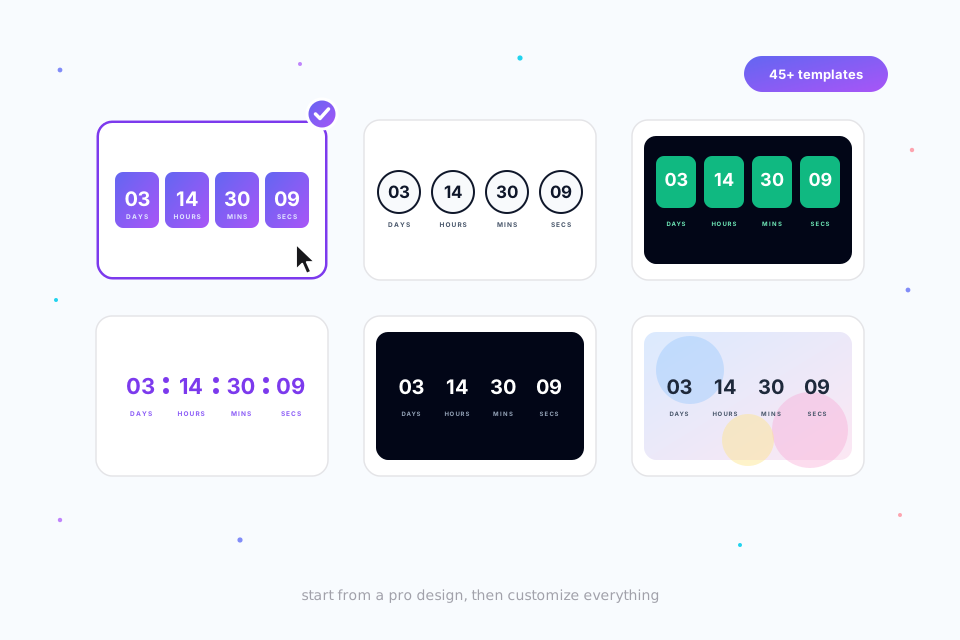
Choose from a diverse set of 65+ professionally designed templates to quickly and effortlessly create polished, high-quality countdown timers for your email campaigns.
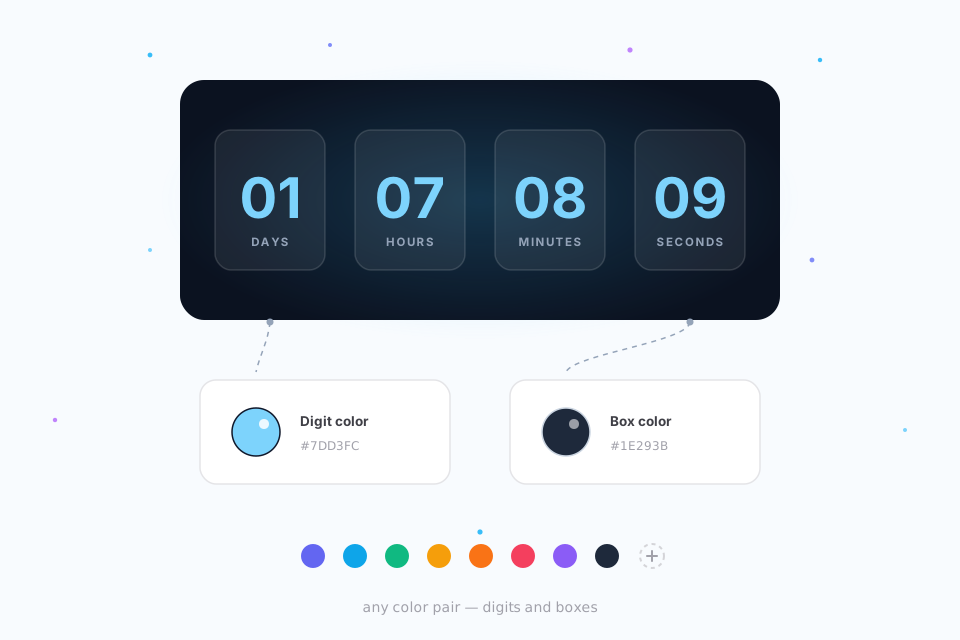
Easily adjust both the foreground and background colors of the countdown timer to create a cohesive and visually appealing integration with your email design.
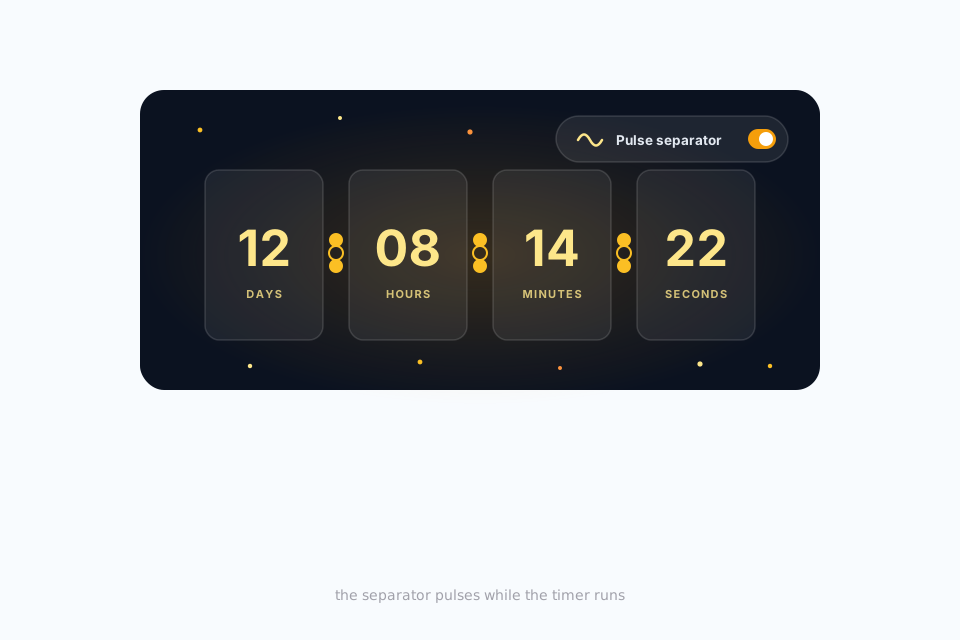
Incorporate a captivating pulsing animation for the timer separator to create a visually engaging effect that captures attention and enhances user experience.
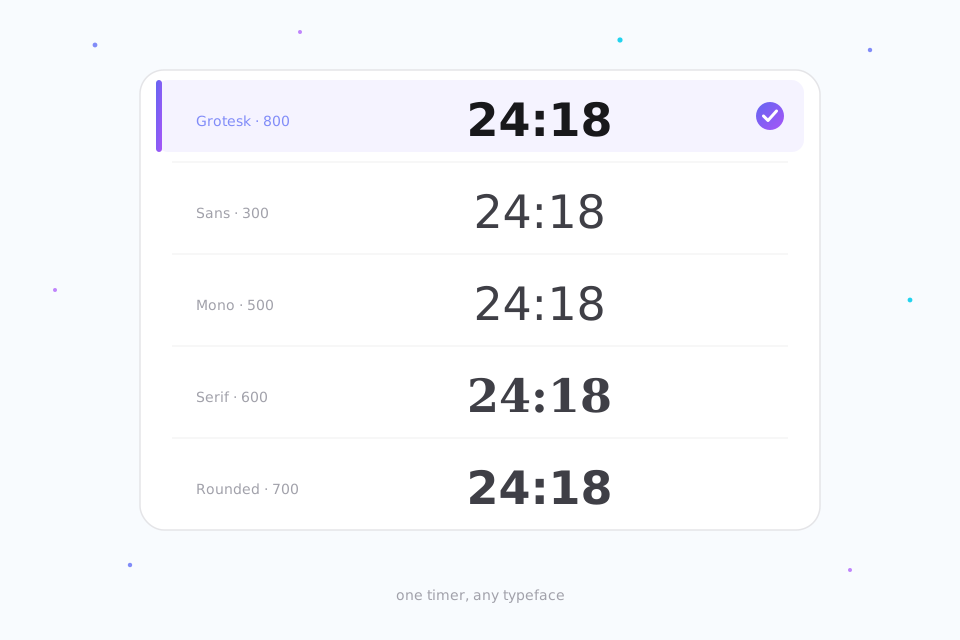
Choose from an extensive collection of fonts to perfectly match your email's style, ensuring the countdown timer seamlessly aligns with your brand's unique typography.
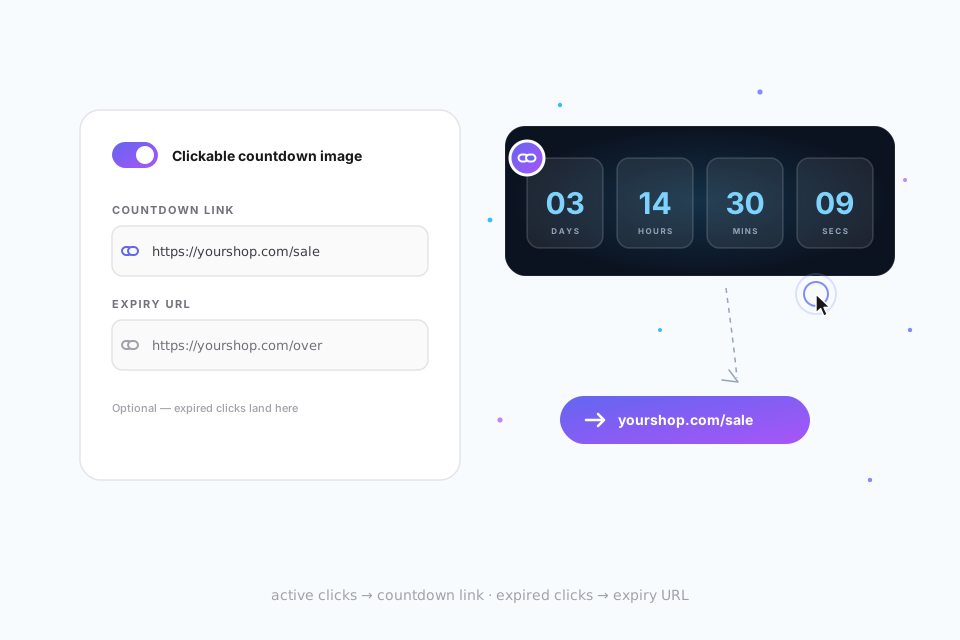
Turn your email countdown into a clickable image. Enable "Clickable countdown image" from Edit > Advanced Features, then add a countdown URL for active clicks and an optional expiry URL for redirects after the timer ends.
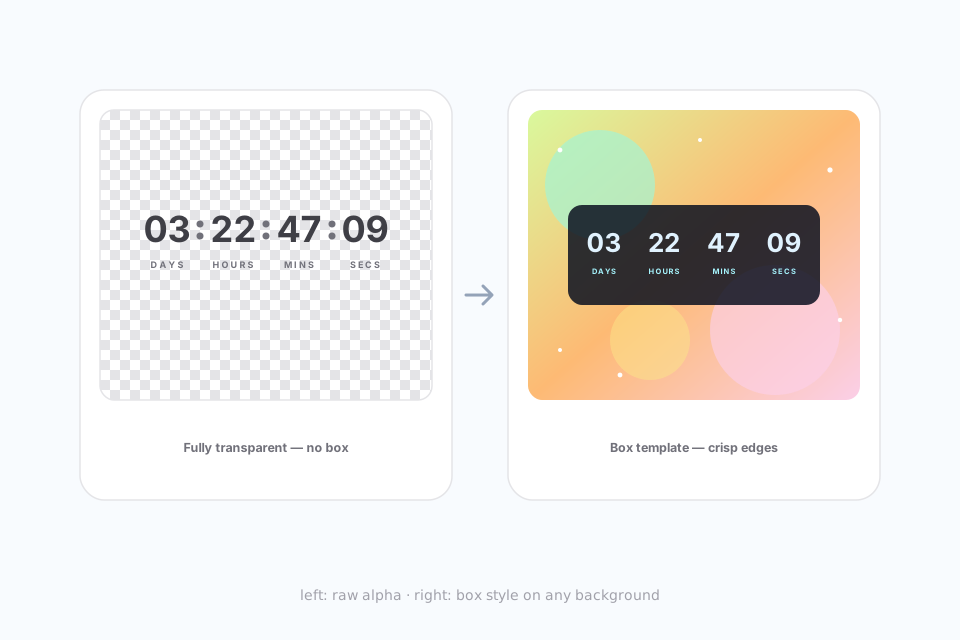
Say goodbye to the awkward white box. A transparent-background timer floats over your brand colors, photos, and gradients — blending in like it was designed for that exact spot. One note: GIF only supports on/off transparency, so fully-transparent timers can show slightly jagged edges on curves over contrasting backgrounds. The fix is a box-style template — your digits and labels sit inside a solid colored box with transparent surroundings, keeping edges crisp and clean on any background.
The generator serves a lightweight animated GIF — the one format every inbox already understands.
The animated GIF plays on desktop and mobile, and regenerates on every open — the countdown is always current.
Full animation. For Mail Privacy Protection users, pick a fallback: keep the animation, show a static card with your title and end date, or hide the timer.
Outlook on the web and on Mac plays the animation; Outlook on Windows desktop shows a still frame of the current time remaining.
The default mail apps on Android and iOS, Yahoo, and AOL all render animated GIFs, so the live countdown displays as designed.
Apple Mail privacy has its own trade-offs — see how we handle Mail Privacy Protection.
Whether you're sending your first campaign or running high-volume launches, our plans scale with your needs.
These frequently asked questions cover the basics. Can't find the answer you're looking for? Reach out to our support team.
Contact SupportFeatured on







