
Custom Countdown Timer Labels in Any Language
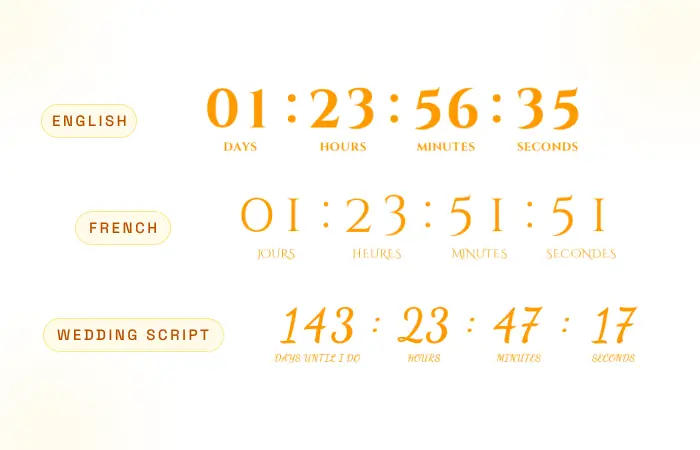
Numbers alone don’t tell the whole story. Rename the labels under your email countdown timer — Days, Hours, Minutes, Seconds — to match your brand voice, in any language. "Days Until I Do" lands.
What Are Custom Timer Labels?
Custom timer labels let you change the text beneath each time unit. Instead of a generic "Days", write "Days Until I Do", "Days to Launch", or the native word in any language. Labels add context, build trust, and reinforce your brand voice.
- Rename independently. Customize Days, Hours, Minutes, and Seconds one at a time.
- Any language. Write native labels — Tage, Stunden, Minuten, Sekunden — for every market.
- Show or hide. Turn labels on for clarity, or off for a clean, minimal look.
Pair custom labels with the weeks format and a Week label joins the set automatically — fully editable, just like the rest.
Your Words, Your Voice
Rename Every Label
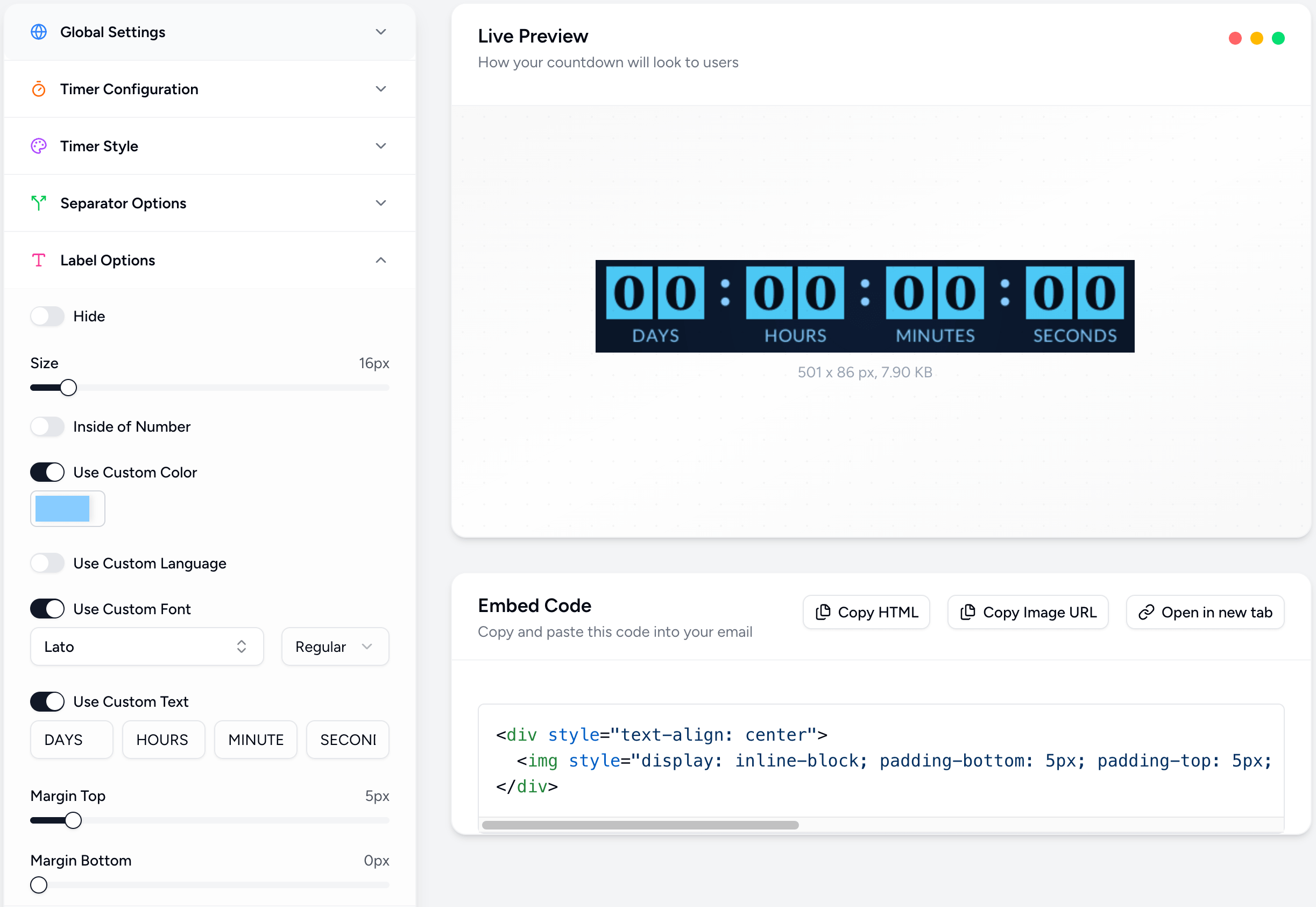
Change Days, Hours, Minutes, and Seconds to anything — "Days Until I Do", "Hrs", "Min", whatever fits.
Any Language
Write labels in 25+ languages: Tage, Stunden, Minuten, Sekunden — fully localized text.
Show or Hide
Toggle labels on for clarity or off for a clean, minimal, numbers-only look.
Survives Localization
Custom labels stick even when you switch the timer’s language — your wording is preserved.
Perfect For
Weddings & events
“Days Until I Do” beats a generic “Days” — make the countdown feel personal.
Product launches
“Days Until Launch” builds anticipation with on-brand wording.
E-commerce urgency
Short, punchy labels — “Days / Hrs / Min / Sec” — keep the focus on the deal.
International audiences
Write native-language labels for every market you serve.
How It Works
One label at a time
Customize each unit independently. Rename Days without touching Hours.
Position them anywhere
Place labels below the numbers for a classic look, or inside each unit for a compact one.
Weeks appear automatically
Switch to the weeks format and a Week label joins the set — fully editable, of course.
Keep it minimal
Prefer numbers only? Hide every label for a clean, modern countdown.
Powerful, Fully Customizable
Simple 3-Step Setup
Open label settings
In the editor, open the Labels panel and toggle labels on.
Rename each label
Type your own text for Days, Hours, Minutes, and Seconds — in any language.
Send with your voice
Copy the embed and paste it into your email or landing page.
Make Every Label Count
Put your brand voice under every countdown. Join thousands of marketers using Countdown Builder.
Build Your Countdown Timer