Step 01
Choose Duration
Decide how long your offer should last for each person (e.g., 48 hours).
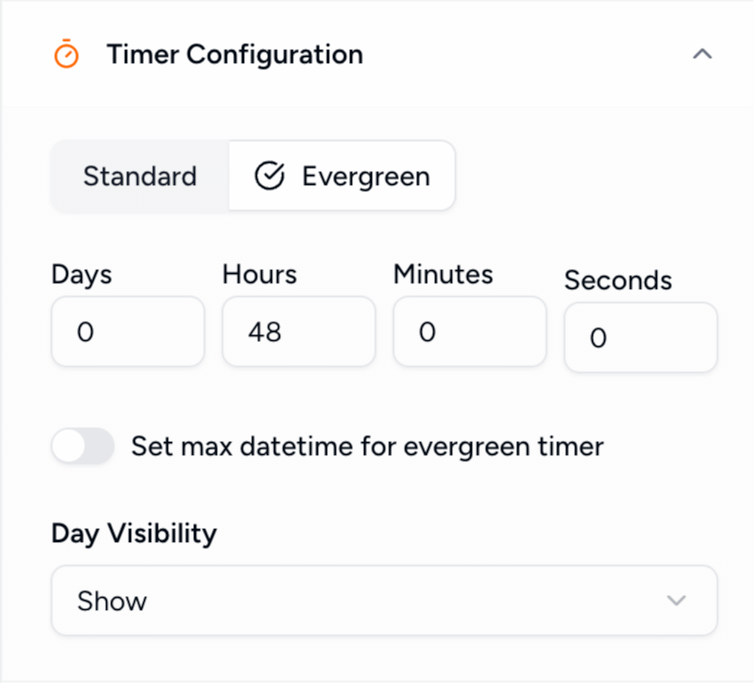
Personalize the urgency. Unlike fixed-date timers, Evergreen timers start counting down the moment a recipient opens your email, creating a truly individual experience for every subscriber.
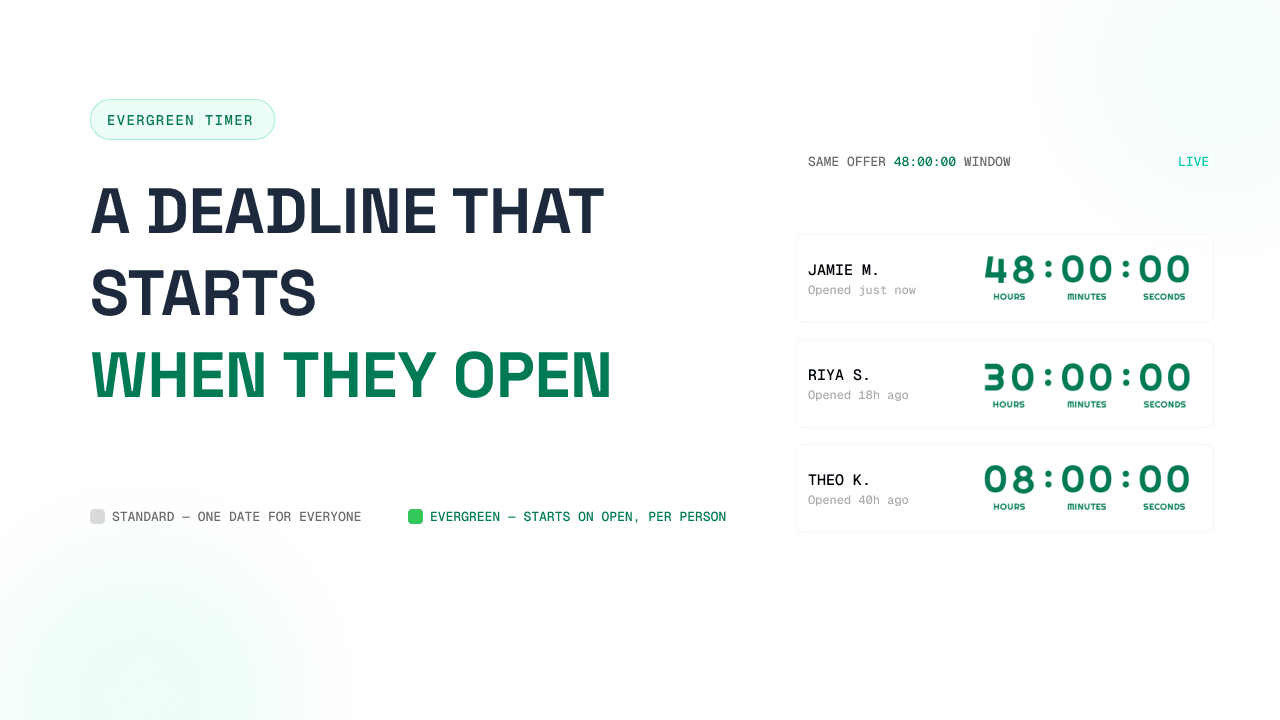
An evergreen timer is a dynamic countdown that is relative to each individual recipient. Instead of counting down to a fixed date (like Black Friday), it counts down for a specific duration (e.g., 24 hours) starting from a trigger event.
In email marketing, this trigger is typically when the recipient first opens your email. This ensures that every subscriber experiences the same level of urgency, regardless of when they joined your list or opened your automation.
And when the window closes, you control what each subscriber sees — a custom expiry image, a redirected offer, or a simple "offer expired" message via expiry settings.
+34%
average click-through lift on emails with countdown timers — the same urgency evergreen timers personalize for each subscriber.
Evergreen is the one timer built for personalized urgency — every subscriber gets the same countdown window, starting the moment they open.
| Type | Deadline | Set by |
|---|---|---|
| Standard | One fixed date for everyone | You, manually (e.g., Black Friday) |
| Evergreen | A duration that starts when each person opens | When each recipient opens |
| Dynamic | An exact moment that is unique per person | You — computed in your ESP/CRM and passed as a timestamp |
Standard counts down to one shared date for everyone. Evergreen gives every subscriber their own window of urgency that starts the moment they open — ideal for welcome sequences, onboarding, and abandoned-cart automations.
Give every shopper the same 24–48 hour recovery window, starting the moment they open your reminder — not the moment you hit send.
Add one in KlaviyoNew subscribers see a fresh, personal deadline on your intro offer whenever they join — the sequence never goes stale.
Add one in MailchimpTrial deadlines and setup windows count down from each user’s own start, so every onboarding email shows their real remaining time.
Add one in ActiveCampaignEach recipient gets their own unique countdown based on when they interact with your message.
Perfect for automated welcome sequences, onboarding flows, and abandoned cart emails.
The timer keeps counting down even if the user closes and re-opens the email later.
Set it up once and let it run. No need to update end-dates for every new subscriber.
Decide how long your offer should last for each person (e.g., 48 hours).
Pick a template and match it to your brand colors and fonts.
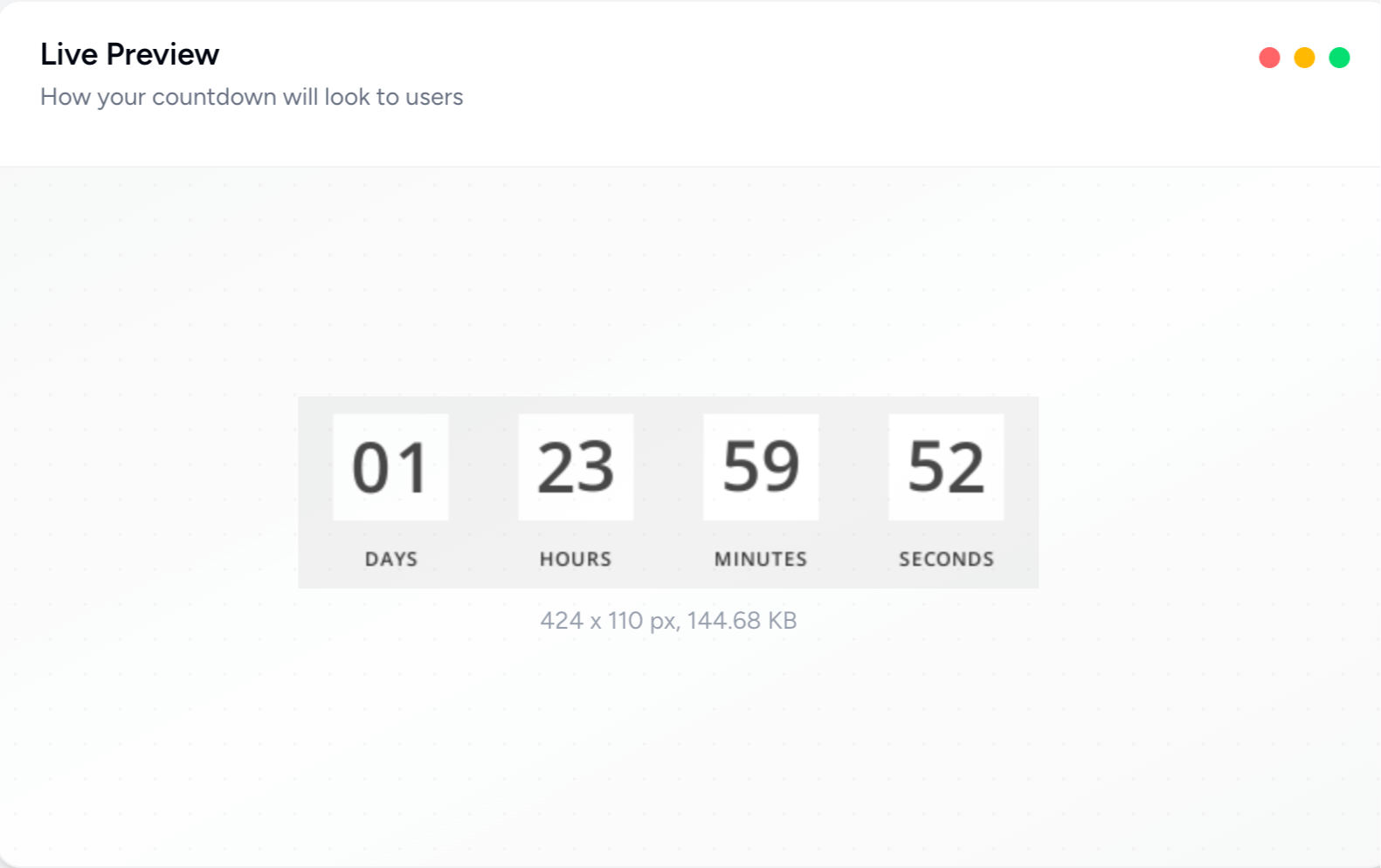
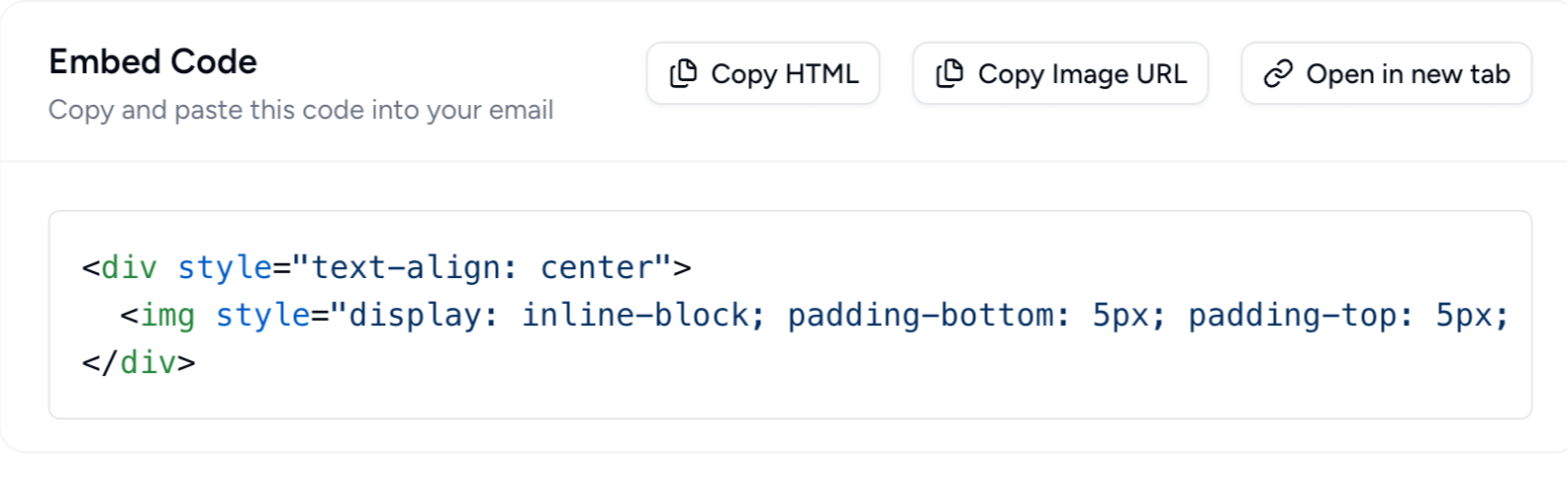
Embed the live timer in your automation email and you're done!
The duration should match how long the decision actually takes. These are starting points by campaign type:
| Campaign type | Typical window |
|---|---|
| Flash sales | 24–48 hours |
| Mid-range product offers | 48–72 hours |
| High-ticket items | 5–7 days |
| Course launches | 3–5 days |
| Webinar registrations | 2–4 days |
| Trial periods | 7–14 days |
Drive more sales with personalized urgency. Join thousands of marketers using Countdown Builder.
Build Your Evergreen Timer