Blog

Latest updates, tutorials and guides from Countdown Builder.

Email Countdown Timer Background Options: Complete Guide
Email Marketing

Email Countdown Timer Background Options: Complete Guide

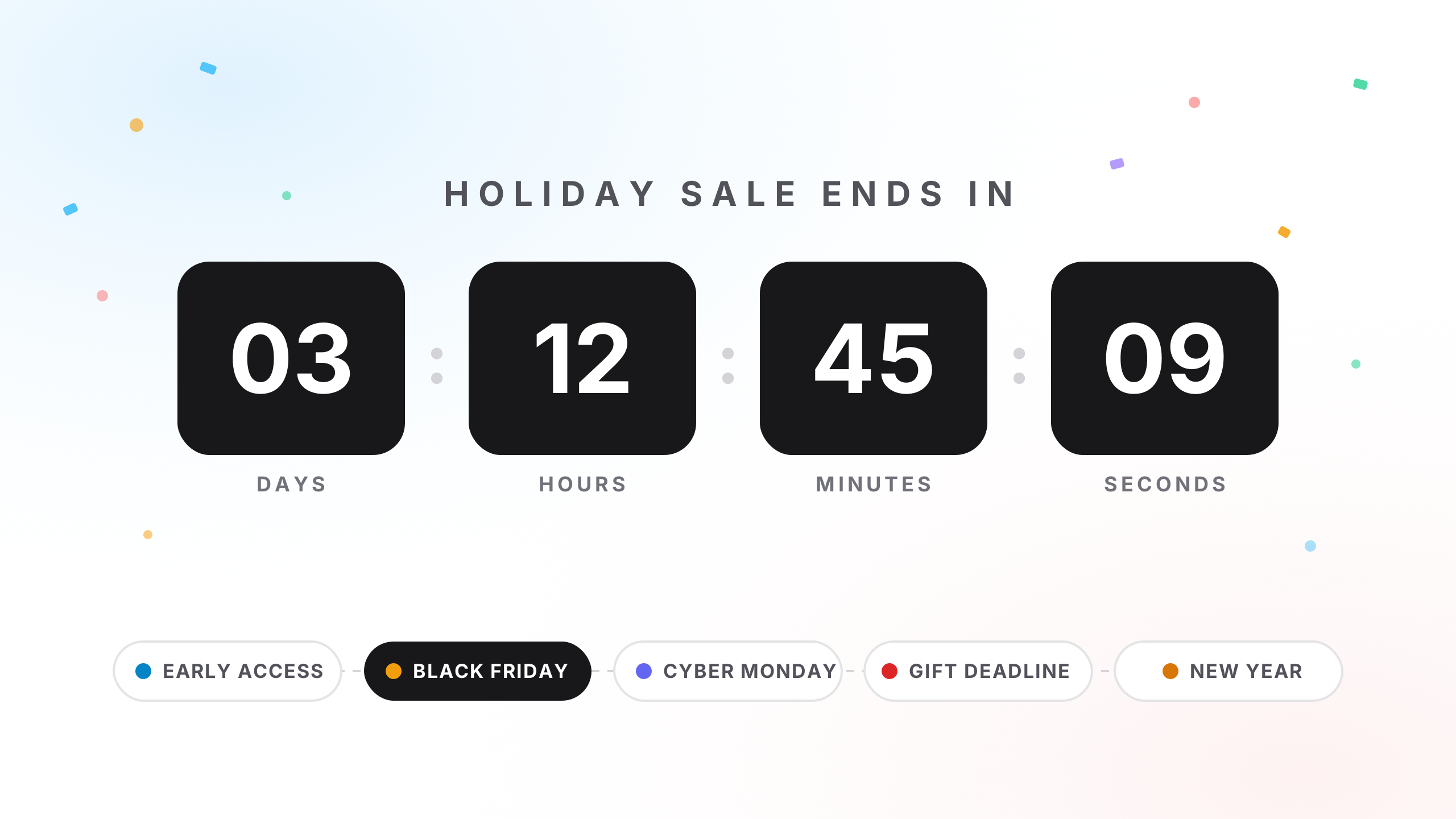
Your countdown timer is ticking — but is it looking its best? The background of your countdown timer is more than decoration. It sets the mood, reinforces your brand, and makes the difference between a timer that blends in and one that compels a click. This guide walks you through every background option available in Countdown Builder and shows you exactly how to use each one.

How to Add a Countdown Timer in Gmail Emails (2026 Guide)
Email Marketing

How to Add a Countdown Timer in Gmail Emails (2026 Guide)

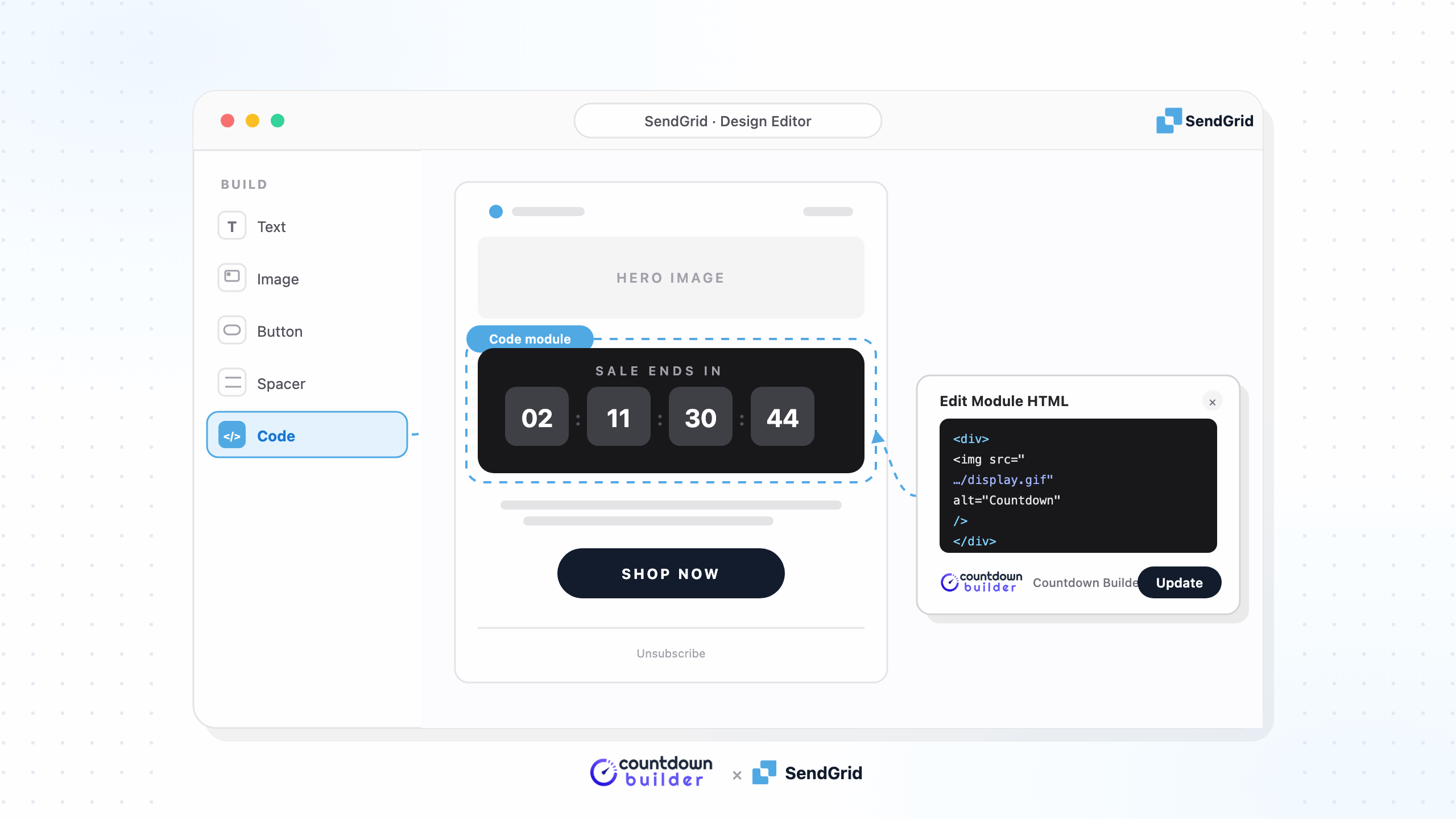
In today's fast-paced digital world, creating urgency in your emails can significantly boost open rates, clicks, and conversions. One of the most effective ways to do this is by adding a countdown timer in Gmail. Whether you're promoting a flash sale, webinar, or limited-time offer, a live countdown timer in Gmail emails grabs attention and encourages immediate action.

Best MotionMail App Alternative in 2026: Why Countdown Builder Dominates Email Countdown Timers
Alternative

Best MotionMail App Alternative in 2026: Why Countdown Builder Dominates Email Countdown Timers

Email countdown timers are a cornerstone of high-converting campaigns, injecting real urgency into flash sales, product drops, and deadlines to nudge subscribers from hesitation to action. Motion Mail App, launched in 2015, has earned its stripes as a no-fuss tool for animated GIF timers, compatible with 18+ ESPs like Mailchimp and ActiveCampaign, and praised for its time-zone consistency and editable post-send tweaks. With use cases spanning coupons to contests, it's a go-to for marketers dodging dev headaches. Yet, as demands for richer designs and unlimited scaling grow, many seek a Motion Mail alternative that skips view limits, amps up templates, and slashes costs without skimping on flair.

Page 1 of 4
Next