Category

Website Countdown

Latest updates, tutorials and guides about Website Countdown from Countdown Builder.

Wix Countdown Timer: The Embed-Code Alternative to Apps (2026)
Website Countdown

Wix Countdown Timer: The Embed-Code Alternative to Apps (2026)

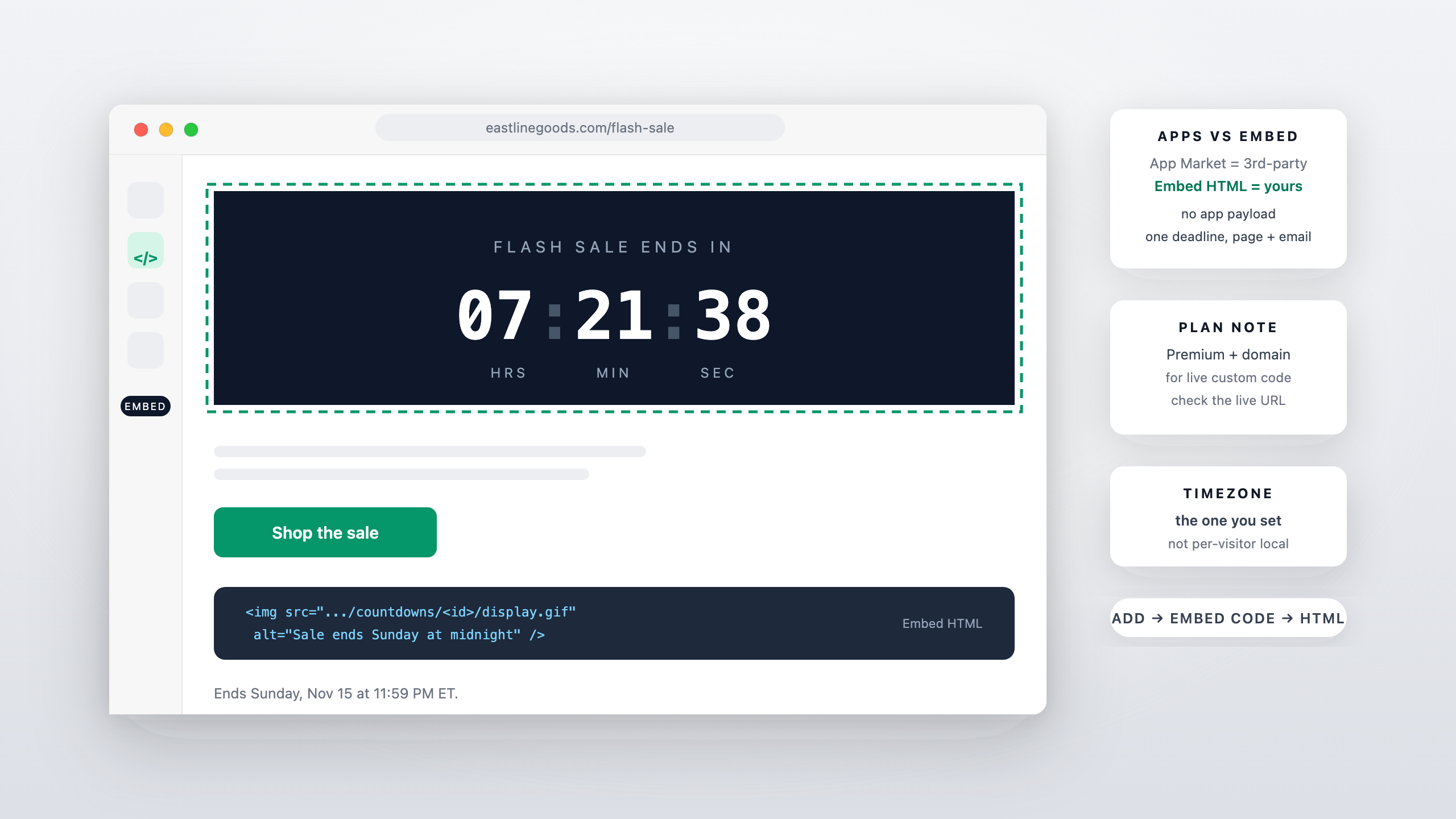
Short answer: Wix doesn't ship a countdown element of its own — the countdown apps in its App Market are built by third-party developers — but Wix's Embed HTML element takes any code snippet, and a countdown timer embed is one of the lightest snippets there is: an image URL, optionally a link around it. You paste it where the deadline belongs, set the end date in the builder, and the timer renders like any other image. This guide covers the routes, the steps, and the plan note for live sites.

Read more →
Squarespace Countdown Timer: Add One With a Code Block (2026)
Website Countdown

Squarespace Countdown Timer: Add One With a Code Block (2026)

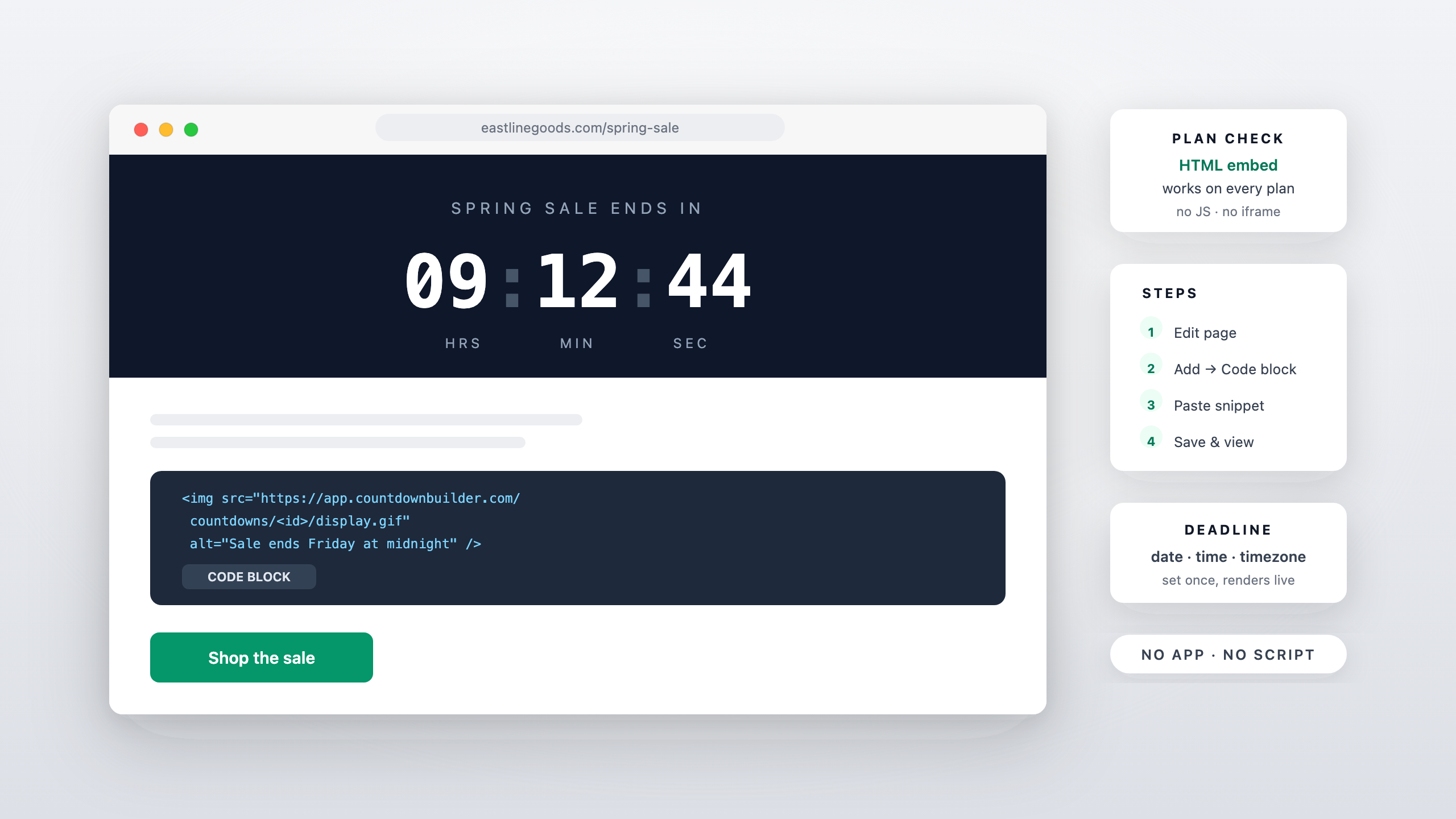
Short answer: Squarespace has no native countdown block, but a countdown timer doesn't need one — the embed is a plain HTML snippet, and Squarespace's Code Block accepts custom HTML on any plan. You add the block, paste the snippet, set the deadline in the builder, and the timer renders on the page like any image. This guide covers the steps, the plan details, and where a timer earns its place on a Squarespace site.

Read more →
New Year’s Eve Countdown for Your Website (Embed, No Code)
Website Countdown

New Year’s Eve Countdown for Your Website (Embed, No Code)

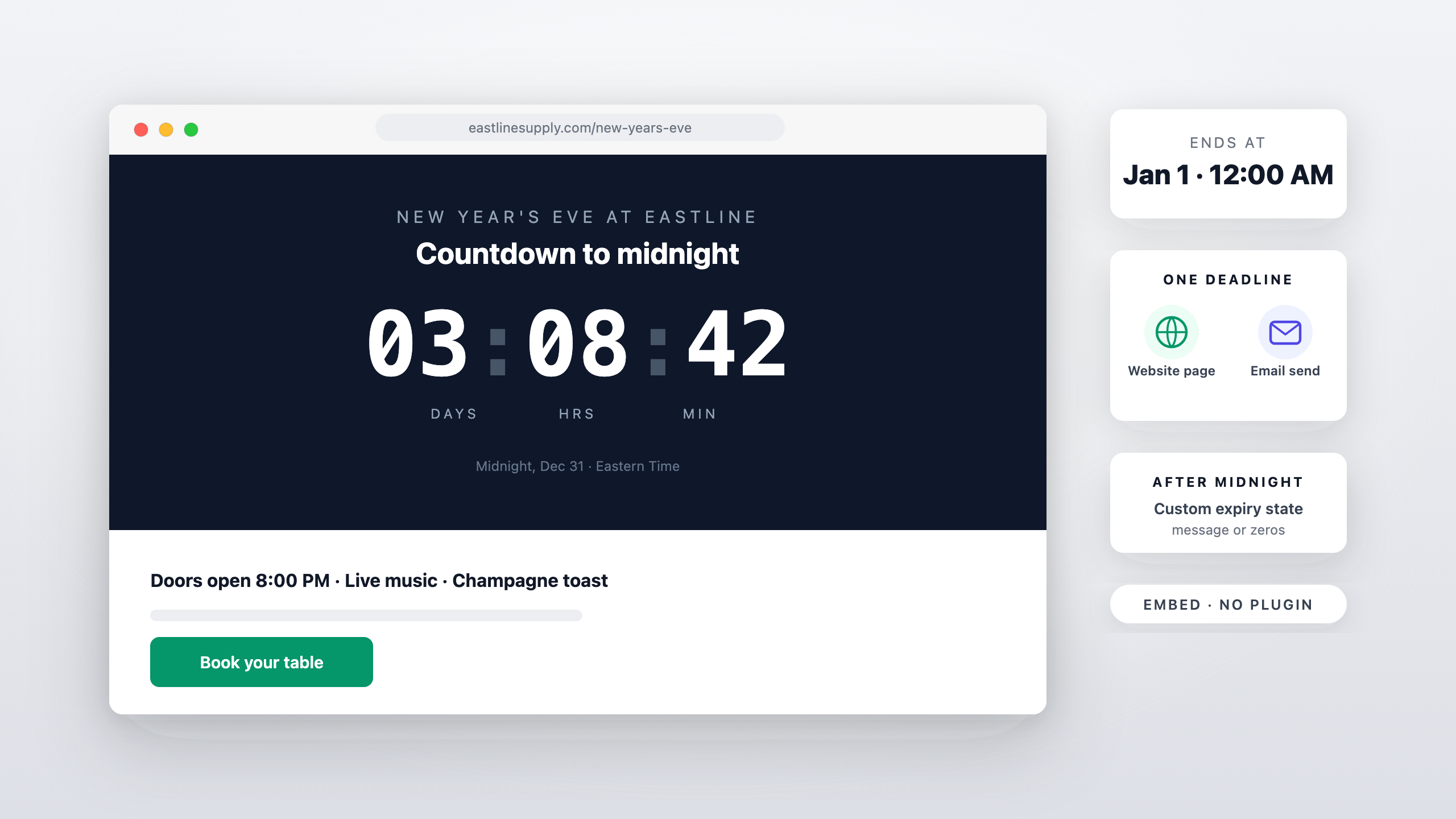
Short answer: a New Year's Eve countdown on a website is a fixed-date timer — set the end to midnight on January 1, 2027, in your timezone — and it embeds anywhere HTML goes: an event page, a venue homepage, a storefront banner. No plugin, no app install; you paste one snippet. This guide covers where the embed earns its place, how the timezone behaves, and how the page timer pairs with the countdown in your New Year emails.

Read more →
Shopify Countdown Timer for Your Store (Not Just Email)
Website Countdown

Shopify Countdown Timer for Your Store (Not Just Email)

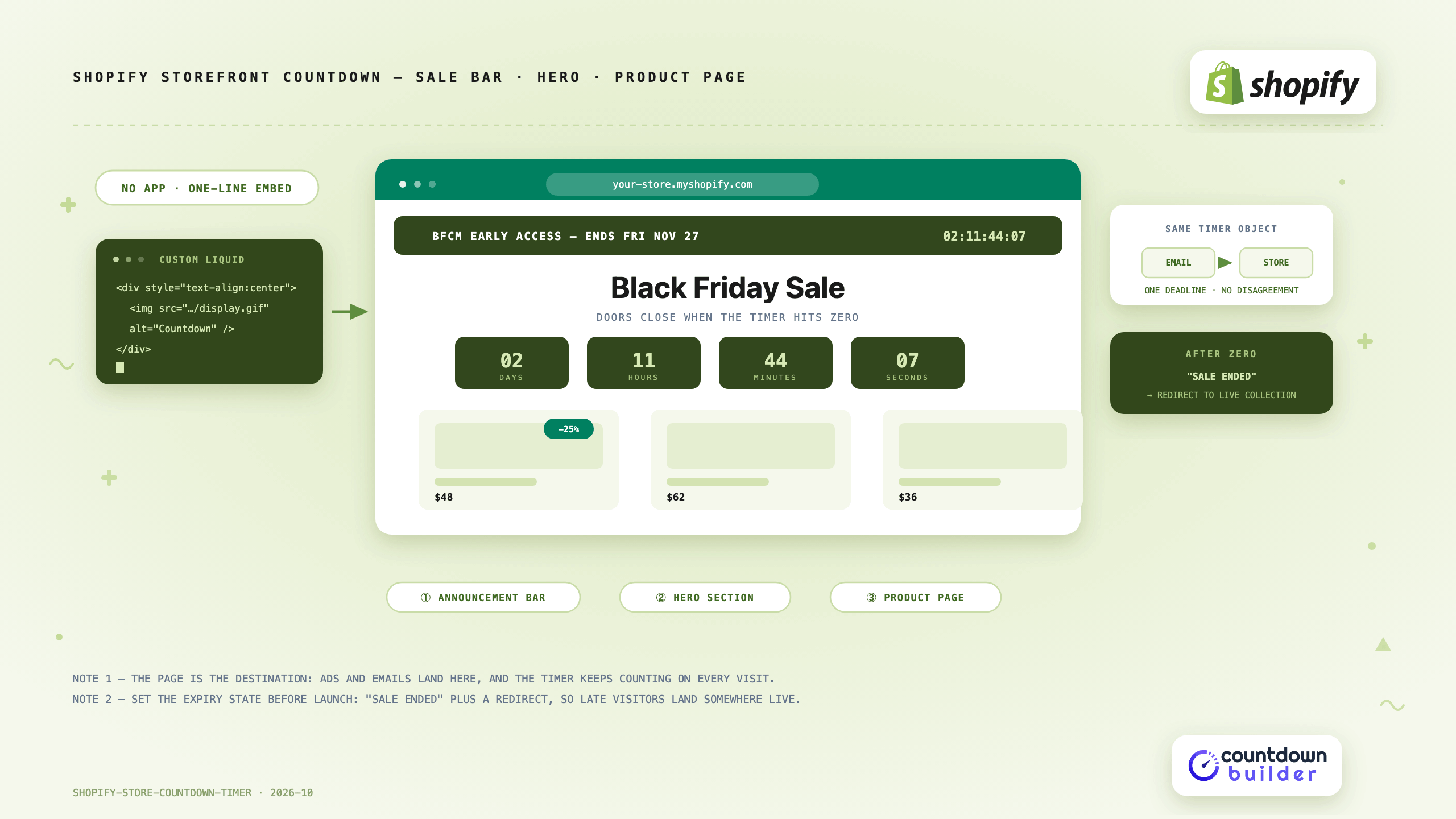
A Shopify sale usually gets its countdown timer in the emails — and then the shopper clicks through to a store page with no clock on it. The email said four hours; the page says nothing. That gap is where a Shopify store countdown timer earns its place: the storefront is the destination every email and ad points at, and it's open all day, including for visitors who never got the email.

Read more →