How to Create a Free Email Countdown Timer (2026)
 By Mehedi Hasan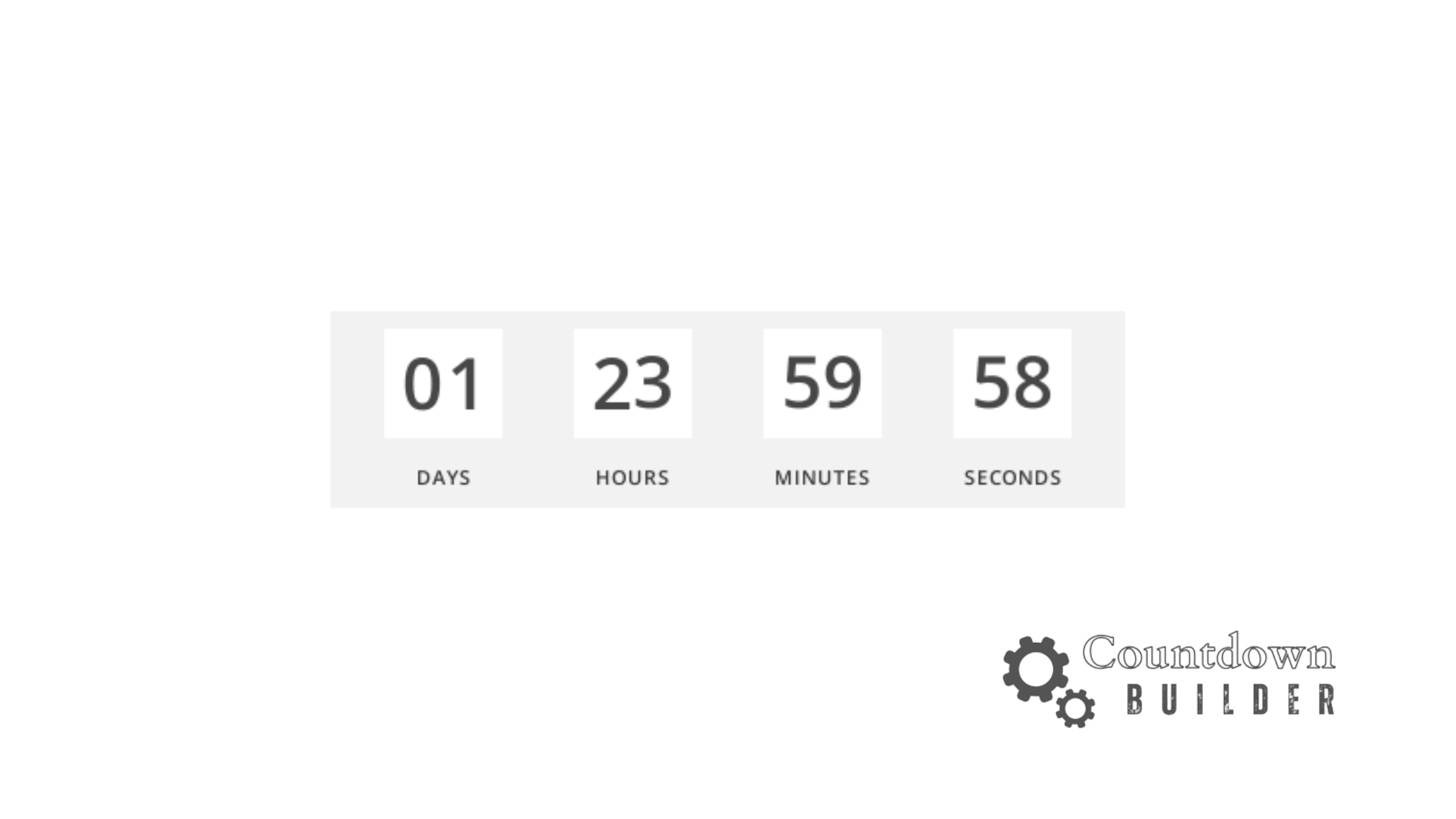
A free email countdown timer shows subscribers how much time remains on a real deadline — the end of a sale, a webinar start, a registration cutoff. You don't need a paid tool to add one: Countdown Builder's free plan includes watermark-free timers with the core design features.
This guide covers what a countdown timer does, what to look for in a free tool, how to create a timer, and how to embed it in Mailchimp, Klaviyo, and HubSpot.
What Is a Free Email Countdown Timer?
An email countdown timer is a dynamically generated image that displays a live countdown inside your email. When a recipient opens the email, the timer shows how much time remains until the deadline.
Reasons to consider one:
- It makes a real deadline visible. "Offer ends Friday" is a claim; a ticking clock shows time actually passing.
- It works with major email platforms. Timers embed as HTML, in most ESPs' code blocks.
- You can start at no cost. Some tools, including Countdown Builder, offer genuinely usable free plans.
A timer doesn't create urgency where none exists. It's worth using when the offer genuinely expires — and worth skipping when it doesn't.
What to Look for in a Free Timer Tool
Free plans vary between tools. Before choosing one, check:
- No watermark on the free plan. Some free tools stamp their logo on timers.
- View limits. Some free and paid plans cap timer views; a cap matters if your list is large.
- Easy embedding. A simple HTML snippet or direct ESP integration.
- Responsive design. The timer should work on desktop and mobile.
- Customization. Even a free plan should offer some control over colors and fonts.
Countdown Builder's free plan includes watermark-free timers, 65+ templates, color and font customization, and both fixed-date and evergreen timer types. It works with Mailchimp, Klaviyo, HubSpot, and other major platforms.
How to Create a Free Email Countdown Timer
Step 1: Sign Up and Create Your Timer
- Visit Countdown Builder and create a free account
- Click Create New Timer
- Choose a template or start from scratch
- Set your end date and time
- Customize colors, fonts, and labels to match your brand
- Preview your timer on desktop and mobile
- Copy the HTML embed code
Step 2: Add the Timer to Your Email Campaign
The exact process depends on your email platform, but the general steps are:
- Open your email builder
- Add an HTML or code block
- Paste the countdown timer embed code
- Preview and test the email
- Send
Platform-specific instructions follow.
How to Add a Free Email Countdown Timer in Mailchimp
Mailchimp is one of the most widely used email platforms, and adding a countdown timer is straightforward:
- In Mailchimp's email builder, add a Code block (under "Content" in the drag-and-drop editor)
- Name your block and click Launch Code Editor
- Paste the HTML code from Countdown Builder
- Click Save & Close
- Preview your email to verify the timer displays correctly
For detailed step-by-step instructions with screenshots, see the complete Mailchimp countdown timer guide.
How to Add a Free Email Countdown Timer in Klaviyo
Klaviyo is a common choice for e-commerce email marketing. Here's how to add a timer:
- In your Klaviyo email template, add a Custom HTML block
- Paste your Countdown Builder embed code
- Save and preview
- Klaviyo supports both embedded timers and synced countdown campaigns
For a full walkthrough, see the Klaviyo countdown timer tutorial.
How to Add a Free Email Countdown Timer in HubSpot
HubSpot users can add countdown timers using the custom HTML functionality:
- Navigate to Marketing → Landing Pages or Emails
- Edit your email and add a Custom HTML module
- Paste the Countdown Builder embed code
- Preview to check rendering across email clients
For more details, visit the HubSpot countdown timer guide. Countdown Builder also publishes integration guides for other ESPs.
Best Practices for Using Free Email Countdown Timers
Only Use Timers for Genuine Deadlines
False urgency damages trust. Add a countdown timer only when there's a real expiration — a flash sale, a webinar start time, limited inventory. When the timer reaches zero, the offer should actually be gone.
Keep the Design Consistent
Match the timer's colors and fonts to your brand. A mismatched timer stands out for the wrong reason.
Test Across Email Clients
Some email clients handle dynamic content differently. Test in Gmail, Outlook, and Apple Mail before sending to your full list. Some subscribers block images, so include the deadline in plain text as well ("Offer ends Friday at midnight").
Pair With a Clear CTA
The timer shows the deadline; the button tells readers what to do. Keep the call to action specific — "Claim your discount" rather than "Learn more."
Don't Overuse Timers
A timer in every email dilutes the effect. Reserve countdown timers for genuinely time-sensitive campaigns.
Evergreen Timers for Ongoing Campaigns
Standard countdown timers count down to one fixed date. An evergreen timer starts when each subscriber opens the email or enters the campaign, so every recipient sees a personal countdown.
Evergreen timers fit:
- Welcome email sequences
- Abandoned cart reminders
- Drip campaigns with offer deadlines
- Membership or subscription renewal campaigns
Countdown Builder's free plan includes access to evergreen timers.
Common Questions About Free Email Countdown Timers
Do free email countdown timers work in all email clients?
Most modern email clients support dynamic countdown timers, including Gmail, Apple Mail, and Outlook.com. Some older desktop clients (like older Outlook versions) may have limited support. Always test your emails before sending.
Can I use a free countdown timer without a watermark?
Countdown Builder's free plan is watermark-free, so timers display without added branding. Some other tools add watermarks even on paid plans, so check before committing.
Do countdown timers slow down email loading?
The HTML embed code is lightweight, and the timer image loads when the email opens.
Can I track how many people see my countdown timer?
You can track opens, clicks, and conversions tied to timer campaigns in your ESP's analytics.
Are there limitations on the free plan?
Countdown Builder's free plan is built for small projects and early campaigns. It includes watermark-free timers and the core templates and features. Paid plans add unlimited timers and views; see the pricing page for current plans.
Get Started
If you have a campaign with a real deadline, you can create your first free email countdown timer. The free plan requires no credit card and doesn't add a watermark to the timer.
Explore More
- How to Create an Email Countdown Timer (2026)
- 9 Email Countdown Timer Tools Compared in 2026
- Sendtric Alternative for Email Countdown Timers
- How to Add Countdown Timers in Gmail
Last updated: September 2026. Free-plan features and pricing reflect Countdown Builder at the time of updating and can change. See the pricing page for current details.
Written by Mehedi Hasan
Writer & Developer. He writes about email marketing, countdown timers, and campaign design.
Connect on LinkedIn