Tutorial

Latest updates, tutorials and guides about Tutorial from Countdown Builder.

How to Add a Countdown Timer to Your HubSpot Marketing Email with Countdown Builder
Email Marketing

How to Add a Countdown Timer to Your HubSpot Marketing Email with Countdown Builder

Adding a countdown timer to your HubSpot marketing emails is a powerful way to create urgency, boost engagement, and drive conversions. Whether you're promoting a flash sale, event registration, or limited-time offer, a dynamic countdown timer can encourage your audience to take action before time runs out. With Countdown Builder, integrating a visually appealing countdown timer into your HubSpot emails is simple and effective. In this guide, we’ll walk you through the step-by-step process to add a countdown timer to your HubSpot marketing email, optimized for HubSpot for email marketing and HubSpot email tracking.

How to Add a Countdown Timer in Brevo Email Marketing
Email Marketing

How to Add a Countdown Timer in Brevo Email Marketing

Adding a countdown timer to your email campaigns can boost engagement and create a sense of urgency for your subscribers. With Brevo email marketing, you can easily integrate a countdown timer to enhance your promotional emails. In this guide, we’ll walk you through the simple steps to add a countdown timer using Brevo’s email builder.

How to Add a Countdown Timer to Mailchimp for Maximum Engagement in 2025
Email Marketing

How to Add a Countdown Timer to Mailchimp for Maximum Engagement in 2025

Boost your email campaigns with a countdown timer in Mailchimp to create urgency, drive clicks, and skyrocket conversions. Whether you’re promoting a flash sale, event, or limited-time offer, a dynamic countdown timer grabs attention and motivates action. This step-by-step guide shows you how to integrate a stunning, brand-aligned email countdown timer using Countdown Builder, the best tool for seamless Mailchimp integration. Optimized for 2025, this tutorial will help you enhance engagement and outshine competitors.

How to Create an Email Countdown Timer to Drive Urgency and Sales
Email Marketing

How to Create an Email Countdown Timer to Drive Urgency and Sales

In the fast-paced world of email marketing, capturing attention and prompting quick action is key to success. An email countdown timer is a dynamic tool that creates a sense of urgency, encouraging subscribers to act before time runs out. Whether you're running a flash sale or promoting a limited-time offer, learning how to create an email countdown timer can elevate your campaigns. In this comprehensive guide, we'll explore why you need one, how it can generate more sales, and a step-by-step process to create it using CountdownBuilder, a user-friendly SaaS platform designed for email marketers.

How to Add a GetResponse Countdown Timer to Boost Your Email Campaigns
Email Marketing

How to Add a GetResponse Countdown Timer to Boost Your Email Campaigns

Adding a GetResponse countdown timer to your email campaigns can significantly increase engagement and conversions by creating a sense of urgency. Whether you're promoting a flash sale, event, or limited-time offer, a countdown timer encourages subscribers to act fast. In this step-by-step guide, we'll show you how to seamlessly integrate a beautiful countdown timer into your GetResponse email using countdownbuilder.com, a SaaS tool designed for email marketers.

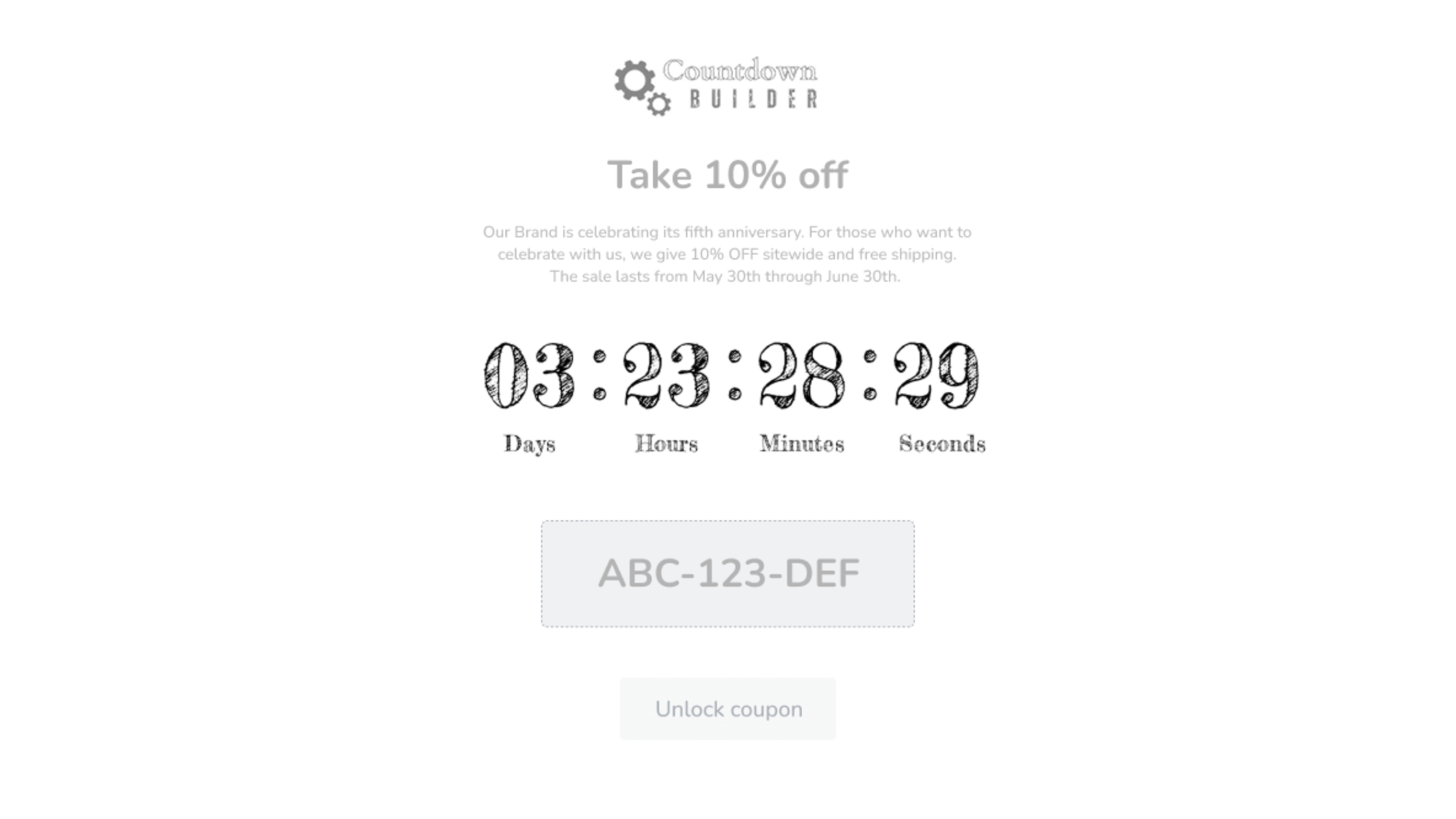
Introducing Countdown Templates: Personalize Your Email Countdowns with Ease!
Tutorial

Introducing Countdown Templates: Personalize Your Email Countdowns with Ease!

In the dynamic landscape of email marketing, standing out in the inbox and driving engagement is crucial for success. One effective strategy to capture subscribers' attention and create a sense of urgency is through email countdowns. Today, we're excited to introduce our latest innovation: Email Countdown Templates—an easy-to-use feature designed to revolutionize your email campaigns.

Previous
Page 3 of 3