Latest updates, tutorials and guides about Tutorial from Countdown Builder.


Hey there, email marketers and campaign wizards! If you've been using Countdown Builder to supercharge your emails with urgency-driving timers, we've got some fantastic news that'll make your next campaign even more on-brand. Today, we're thrilled to announce the launch of our Custom Label Feature—a game-changer for personalizing those ticking countdowns to perfection.

In the fast-paced world of email marketing, creating a sense of urgency is one of the most effective ways to boost open rates, clicks, and conversions. Countdown timers have become indispensable for flash sales, product launches, webinar reminders, abandoned cart recoveries, and holiday promotions. For years, Sendtric has been a popular choice among marketers, trusted by big brands like Google, HP, and Walmart for its reliable dynamic timers, high uptime (99.99%), and broad compatibility with email service providers (ESPs) like Mailchimp, Klaviyo, HubSpot, and more.

In the fast-paced world of email marketing, creating a sense of urgency can make all the difference between a subscriber who clicks "delete" and one who converts. Countdown timers are a proven tactic to drive sales, boost engagement, and skyrocket open rates. But with so many tools out there, how do you choose?

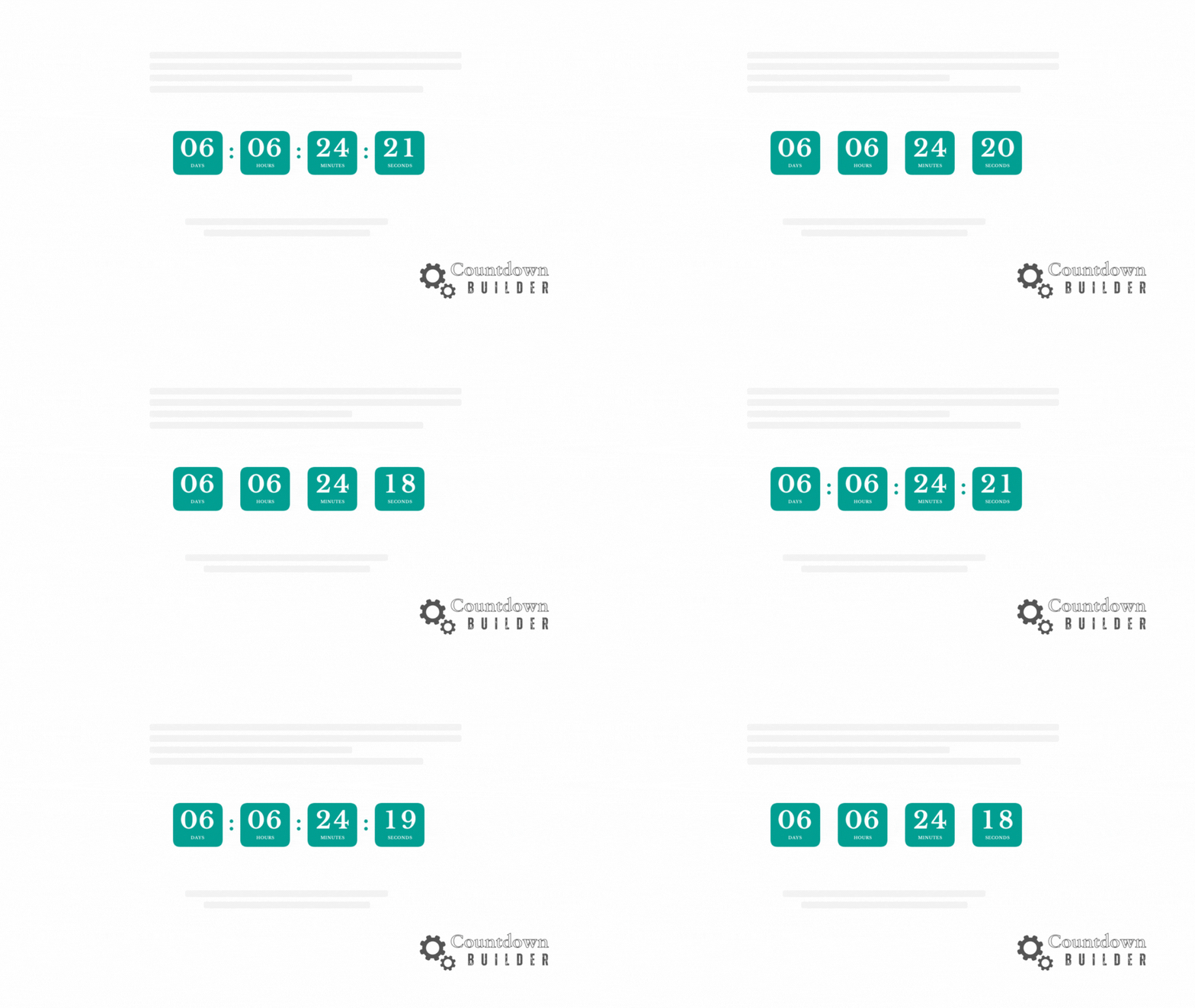
In the fast-paced world of email marketing, capturing attention and driving action is tougher than ever. Subscribers skim their inboxes in seconds, and standing out requires more than just compelling subject lines— it demands urgency. Enter email countdown timers: dynamic, ticking clocks that count down to a deadline, creating a sense of scarcity and FOMO (fear of missing out) that can skyrocket click-through rates and conversions.
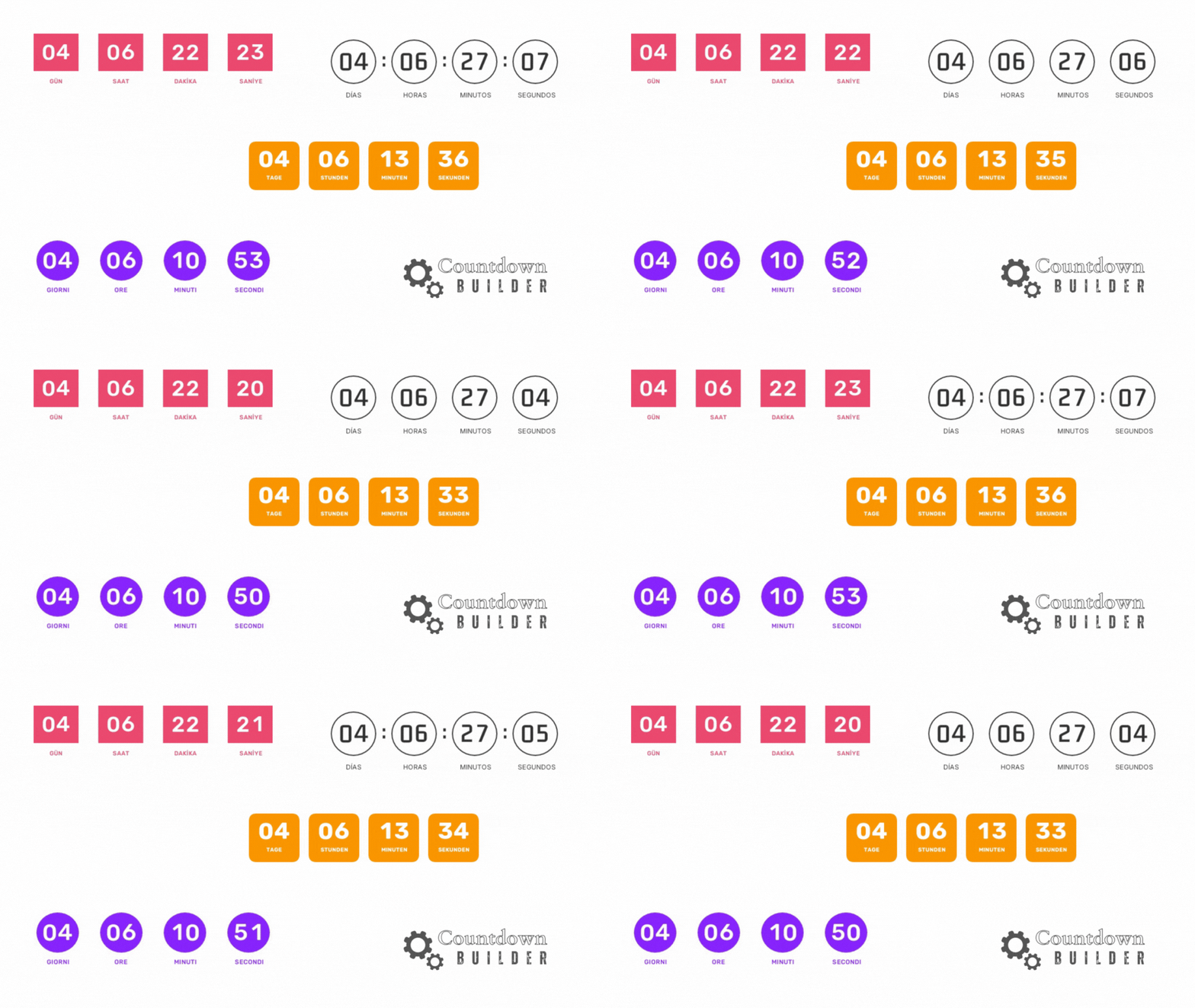
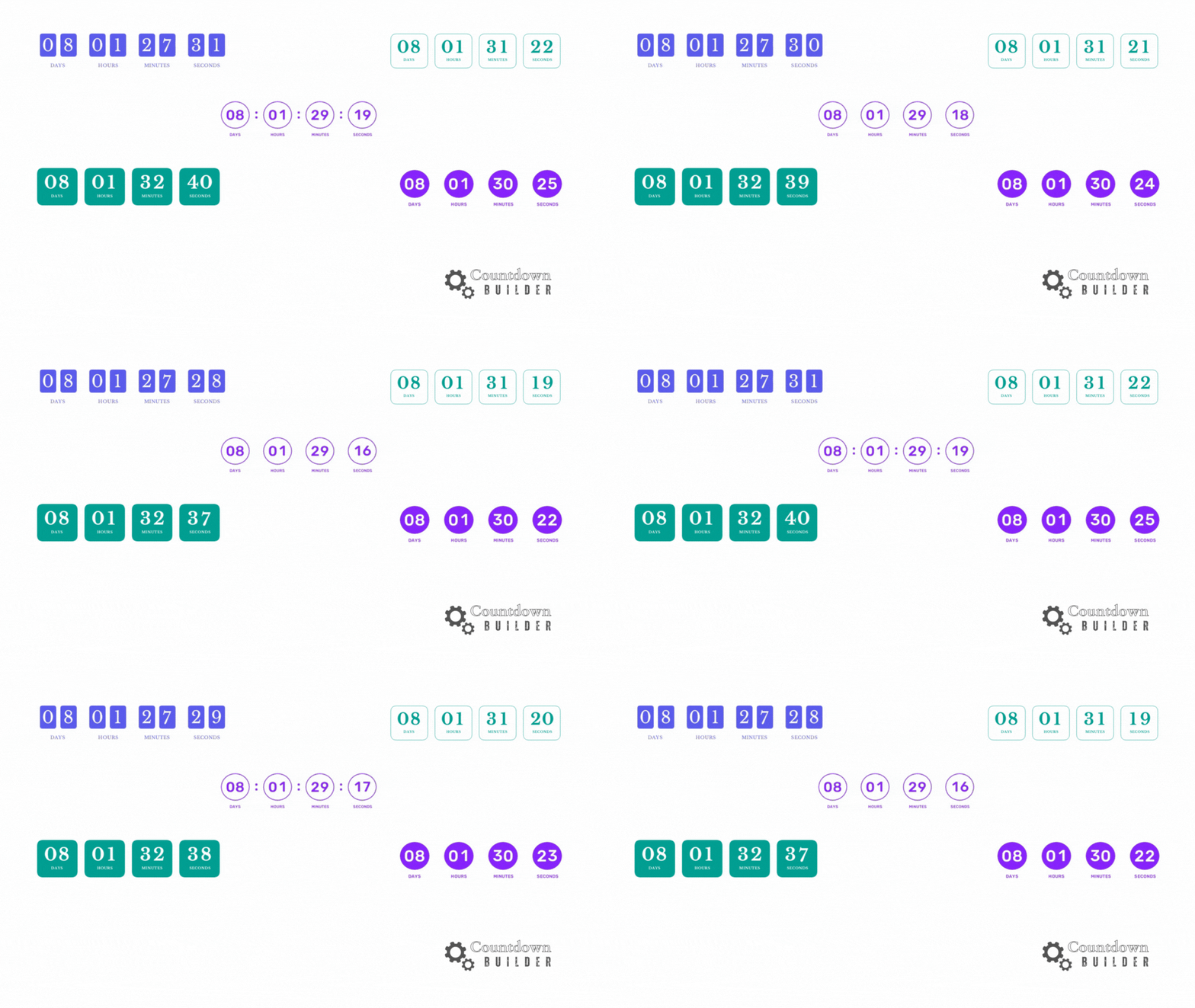
Are you ready to make your email campaigns more captivating and conversion-driven? CountdownBuilder has just rolled out an exciting update that introduces circle and rounded rectangle timer designs, adding a fresh layer of style and urgency to your emails. These new features, combined with Countdown Builder’s powerful tools, make it easier than ever to create dynamic, brand-aligned countdown timers that drive action. Let’s explore how these updates can elevate your email marketing strategy in 2025!

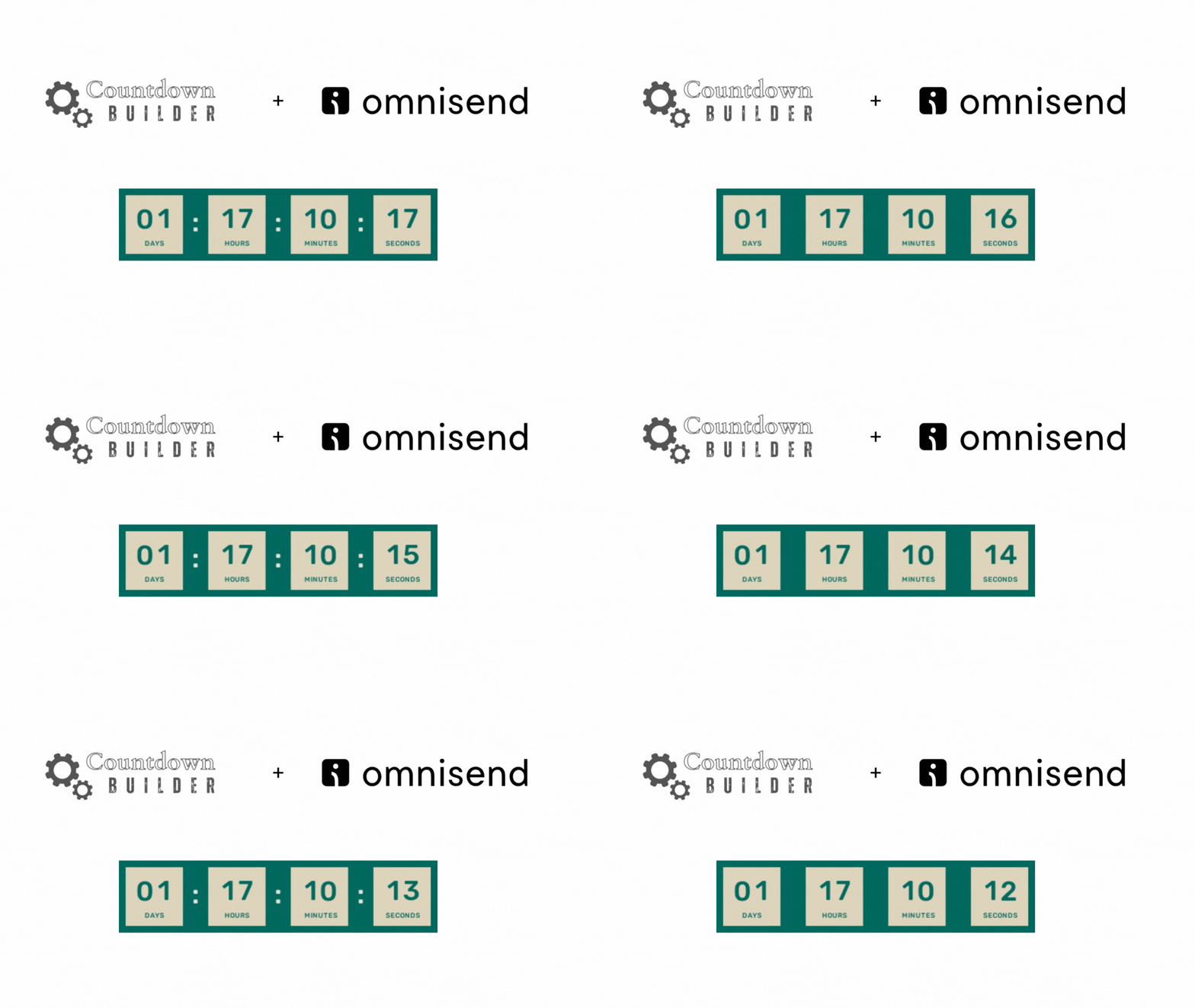
Want to create urgency and drive conversions in your email campaigns? Adding an email countdown timer in Omnisend is a fantastic way to capture attention and encourage action. With Countdown Builder, you can easily design and embed a customized countdown timer into your Omnisend email campaigns. In this guide, we’ll walk you through the step-by-step process to create and integrate a stunning countdown timer that aligns with your brand and campaign goals.

Want to skyrocket your email marketing results? Discover how Countdown Builder helps you create stunning, urgency-driven countdown timers with no coding required! Check out this step-by-step tutorial video to see it in action:

Adding a email countdown timer to your email campaigns can create urgency and boost engagement, driving conversions and capturing your audience’s attention. With Countdown Builder, you can easily create and embed beautifully designed countdown timers into your Iterable email campaigns. This tutorial will guide you through the simple steps to add a countdown timer to your Iterable email campaigns using Countdown Builder.

Want to supercharge your email campaigns with a sense of urgency? A countdown timer in email is a fantastic way to grab your subscribers’ attention and drive action, whether it’s for a flash sale, event registration, or limited-time offer. With Countdown Builder, you can create a fully customized countdown timer that matches your brand’s style and seamlessly integrates with MailerLite’s email builder. In this blog post, we’ll guide you through the simple steps to add a stunning countdown timer in email using Countdown Builder and MailerLite.