Category

Tutorial

Latest updates, tutorials and guides about Tutorial from Countdown Builder.

Shopify Countdown Timer for Your Store (Not Just Email)
Website Countdown

Shopify Countdown Timer for Your Store (Not Just Email)

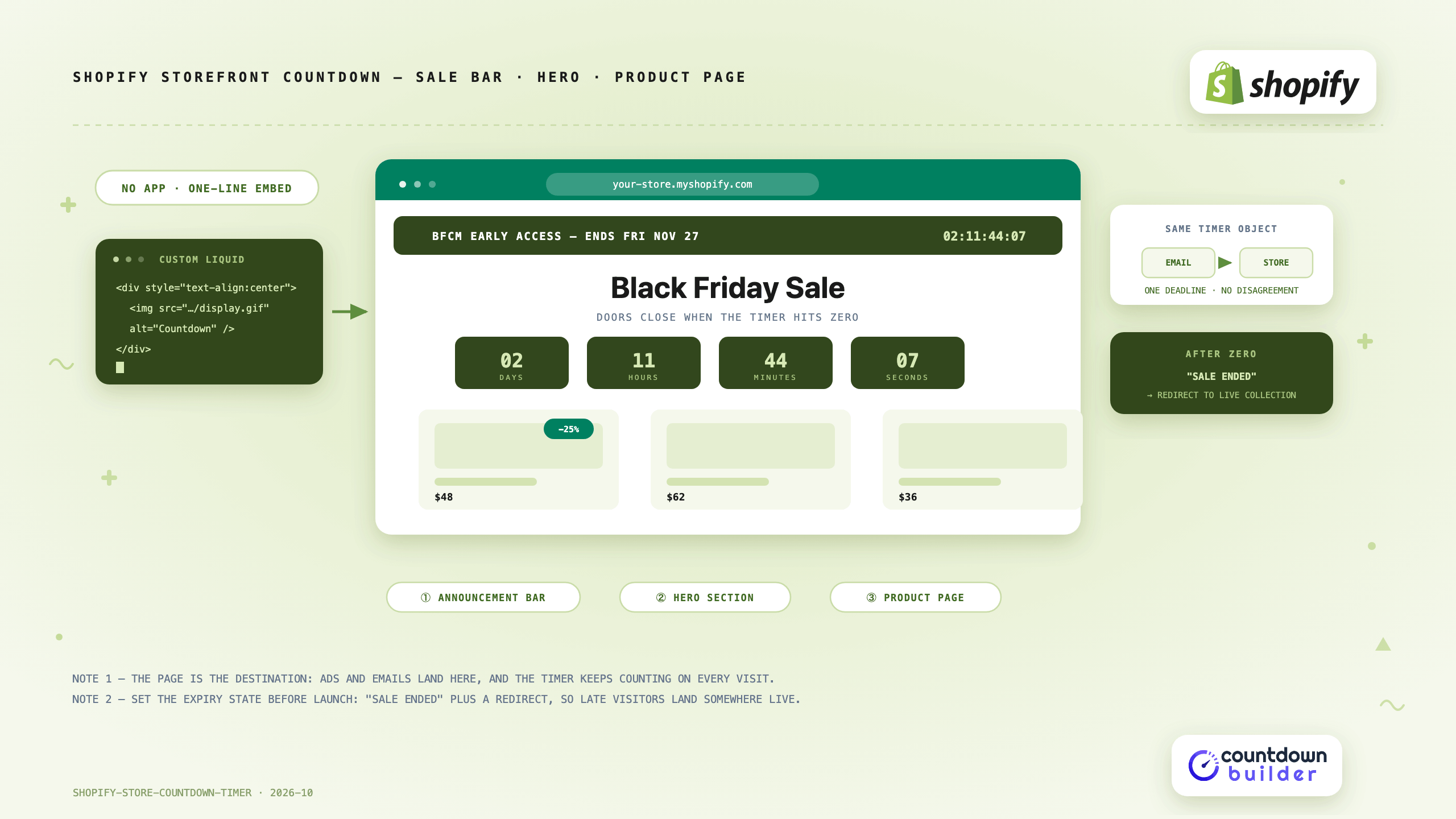
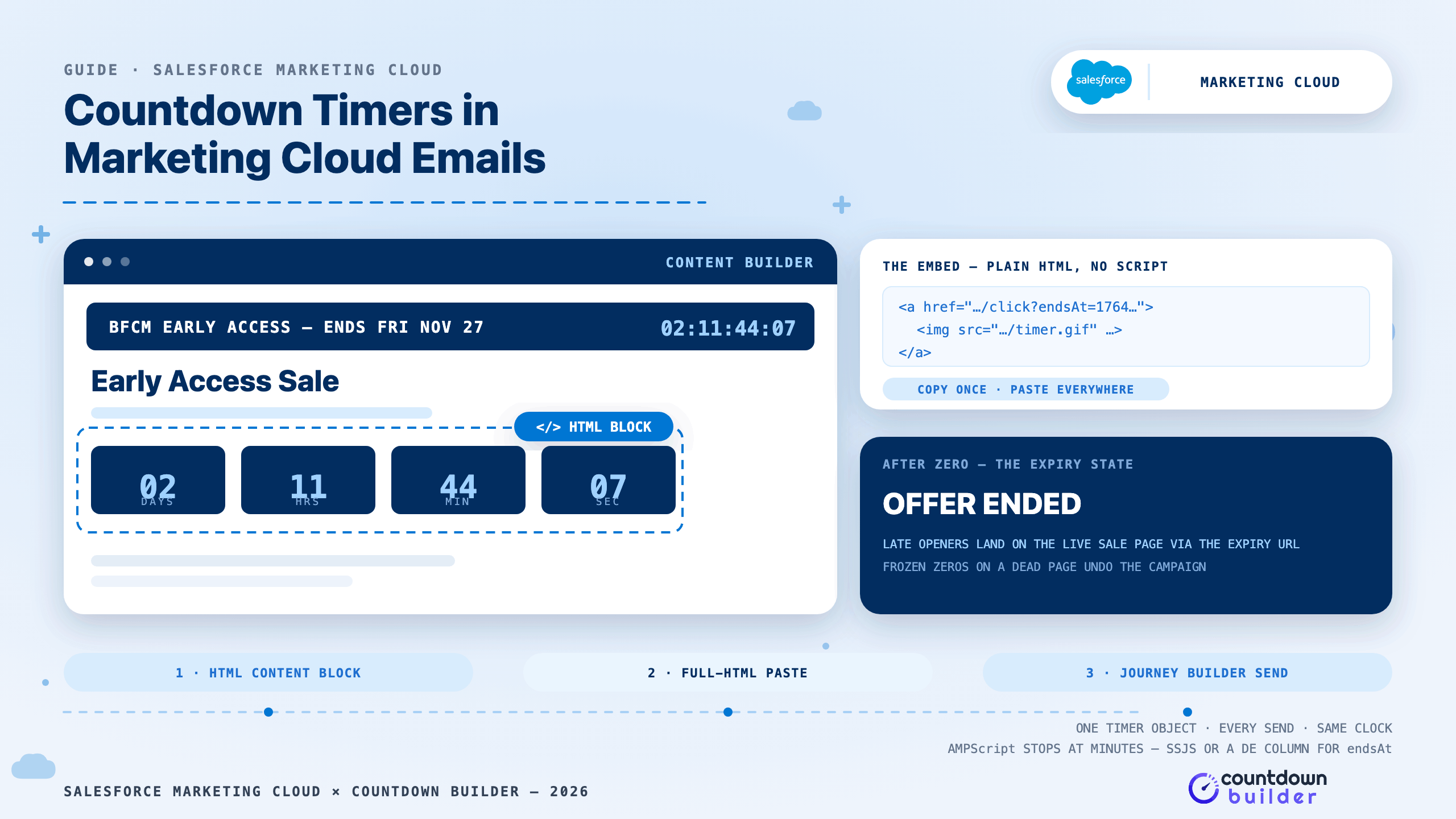
A Shopify sale usually gets its countdown timer in the emails — and then the shopper clicks through to a store page with no clock on it. The email said four hours; the page says nothing. That gap is where a Shopify store countdown timer earns its place: the storefront is the destination every email and ad points at, and it's open all day, including for visitors who never got the email.

Read more →
How to Add a Countdown Timer in Outlook Emails (2026 Guide)
Email Marketing

How to Add a Countdown Timer in Outlook Emails (2026 Guide)

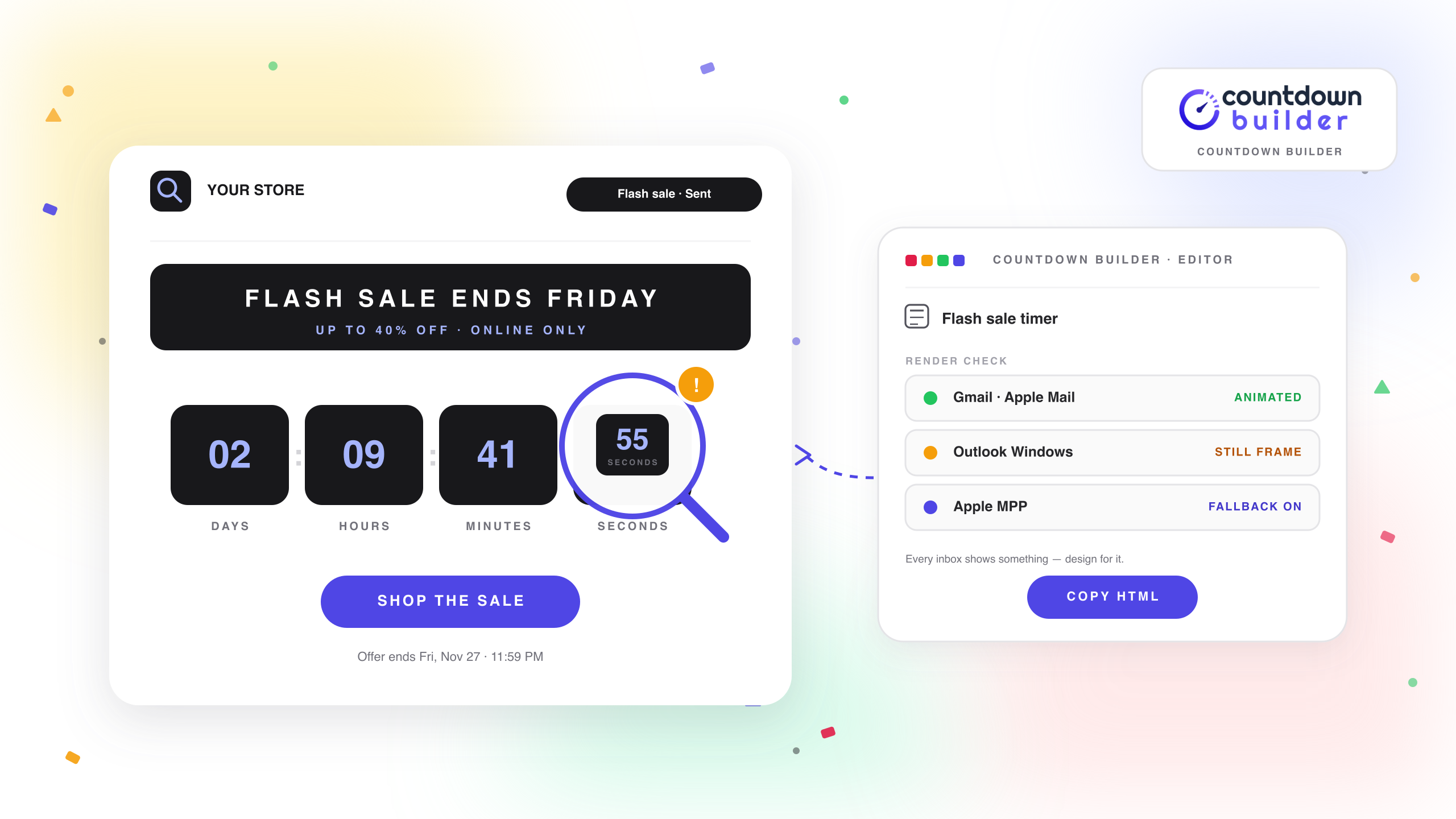
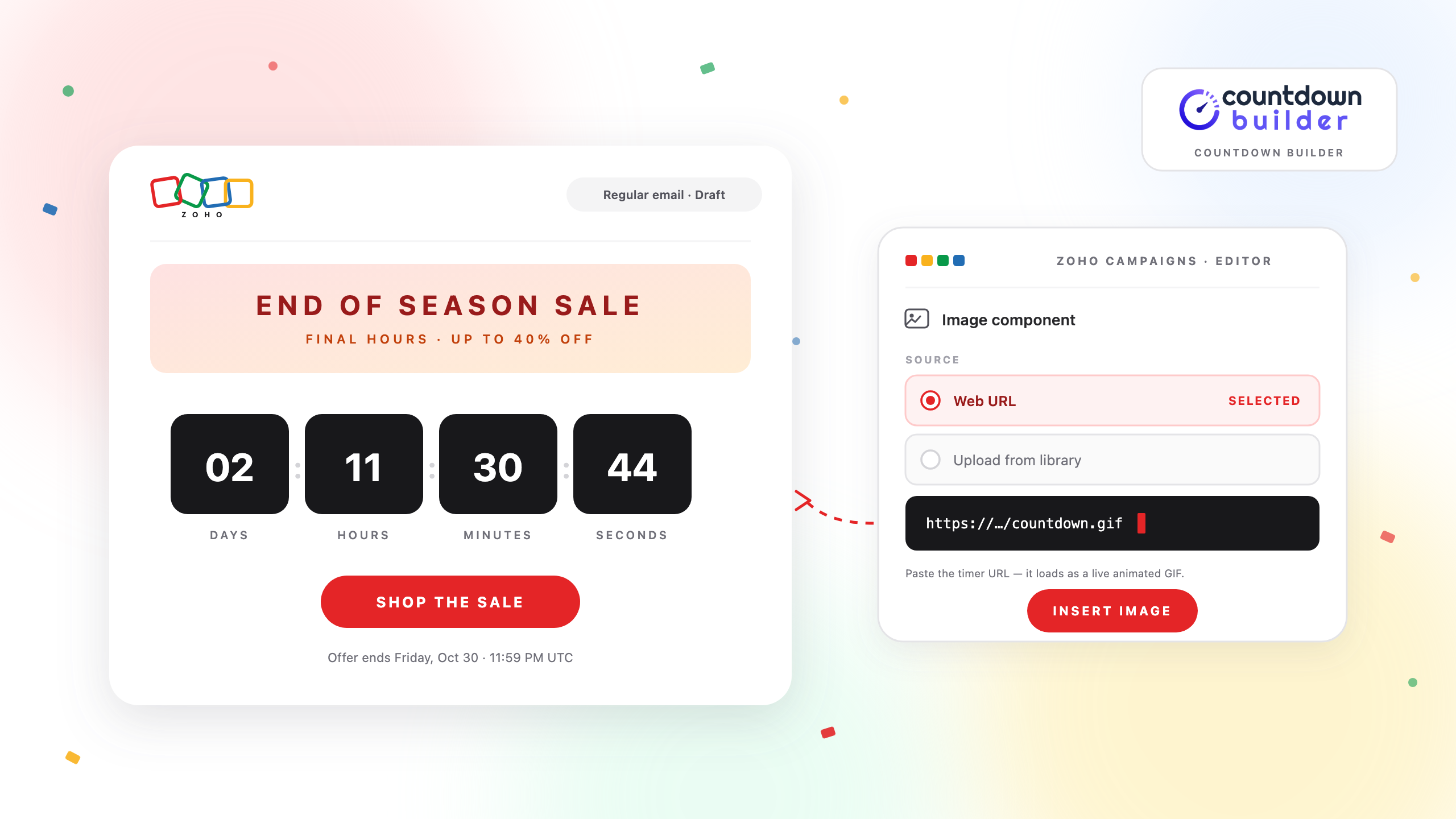
Outlook has no built-in countdown timer. No email client does — inboxes don't run scripts, so there is no timer widget to insert the way there is on a web page. What email clients support is images, and that is how every countdown timer in email works: the timer service generates an animated GIF at a hosted URL, the email carries that URL as an ordinary image, and the countdown is re-rendered with the correct time remaining whenever the image is fetched.

Read more →
How to Add a Countdown Timer to a Manago AI Email
Email Marketing

How to Add a Countdown Timer to a Manago AI Email

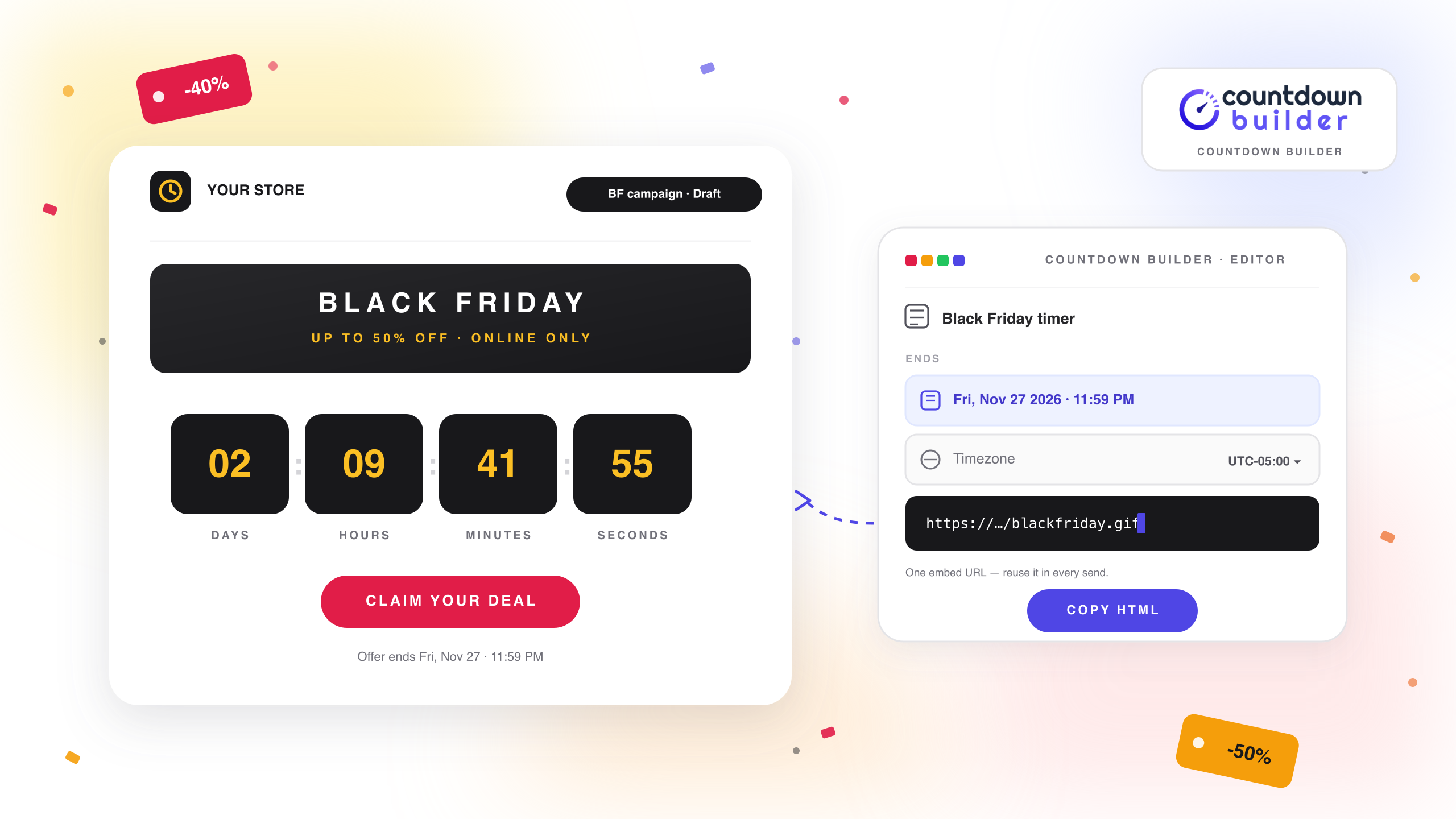
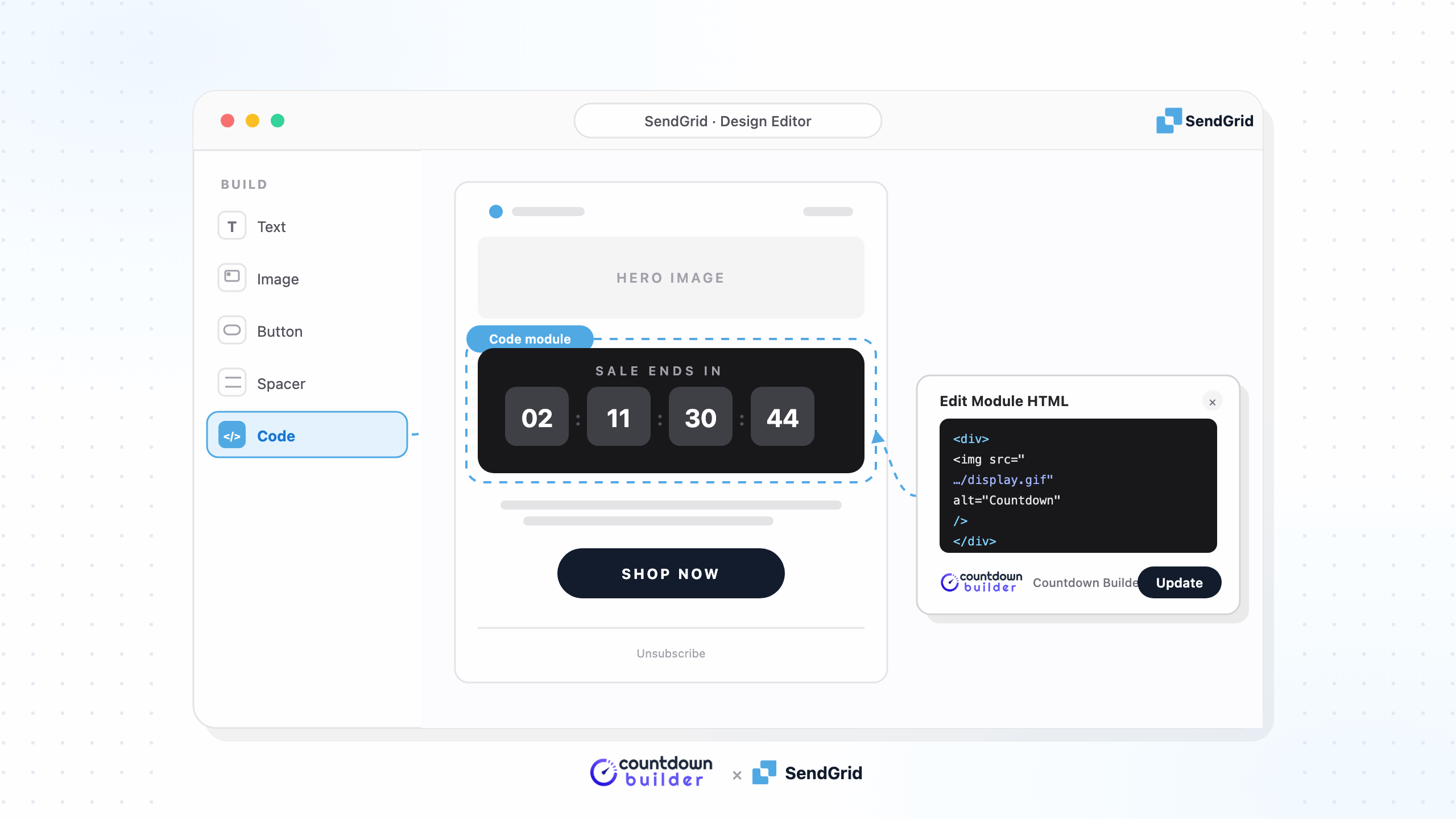
Manago (formerly SALESmanago) builds emails in the Email Design Studio, a drag-and-drop editor assembled from widgets. The one that matters for a countdown timer is HTML Content — a Basic widget that accepts any markup you paste, including the embed code from an image-based timer service. That's the door this tutorial walks through with Countdown Builder, the timer service this blog is published by: build the timer, paste it into the email, give each recipient their own deadline if you want, and test before it goes to your list.

Read more →
How to Add a Countdown Timer to a Braze Email
Email Marketing

How to Add a Countdown Timer to a Braze Email

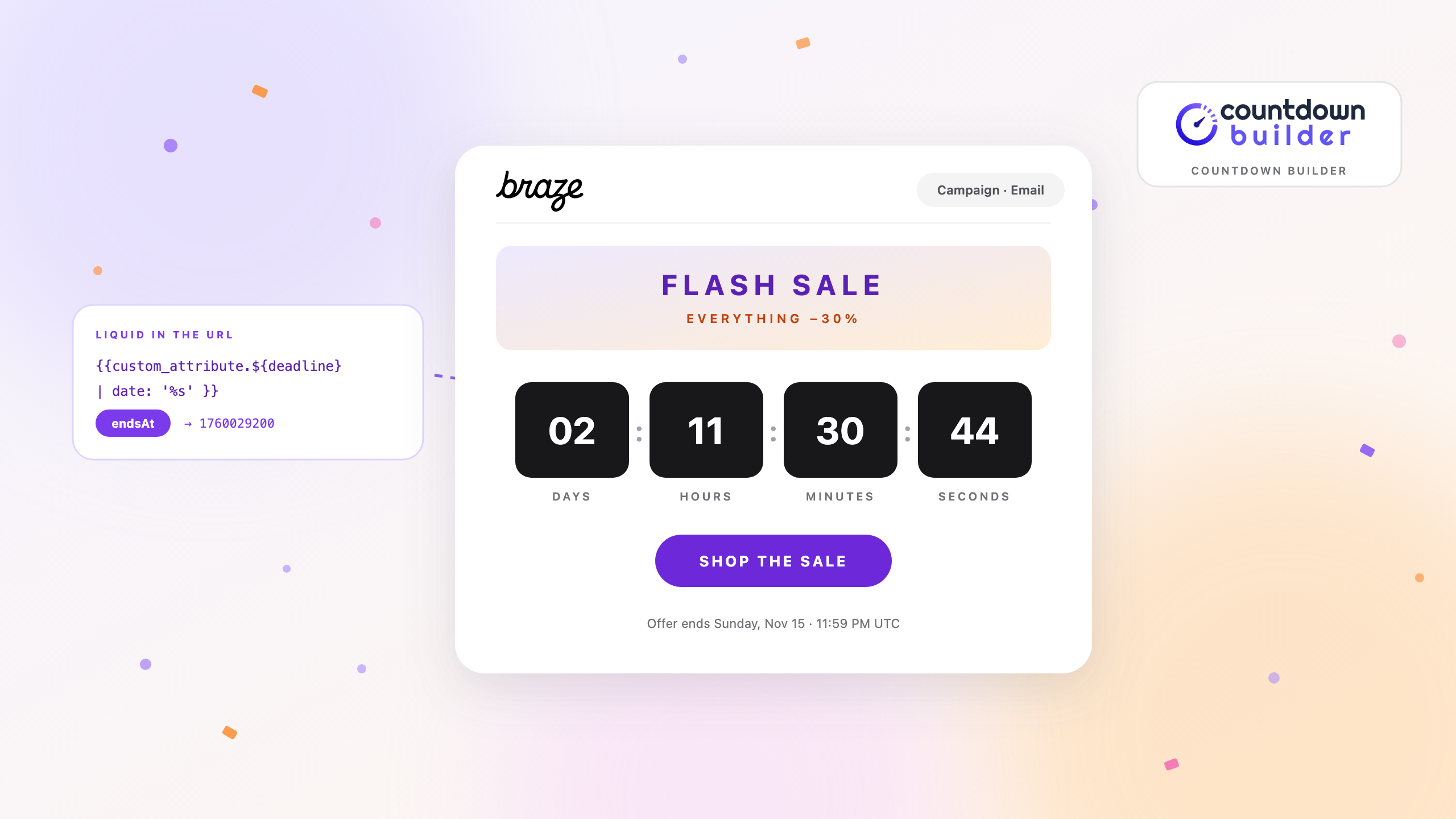
Braze gives you two email editors — the drag-and-drop editor and the standard HTML editor — and neither ships a countdown component. What both of them can do is load an image from a URL: the drag-and-drop editor's image block has a URL property, and the HTML editor takes any markup you paste. An image countdown timer lives at a URL. That's the whole opening.

Read more →
Page 1 of 5
Next